Miscellaneous configurations

To configure macsec-ca_csros
 
1 

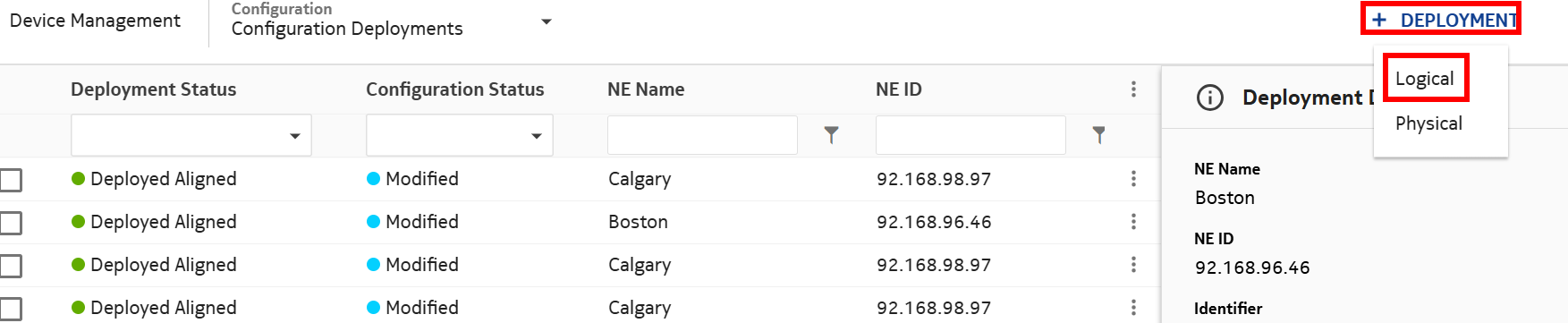
In Device Management, select Configuration Deployments. From the DEPLOYMENT drop-down menu, select Logical.


2 

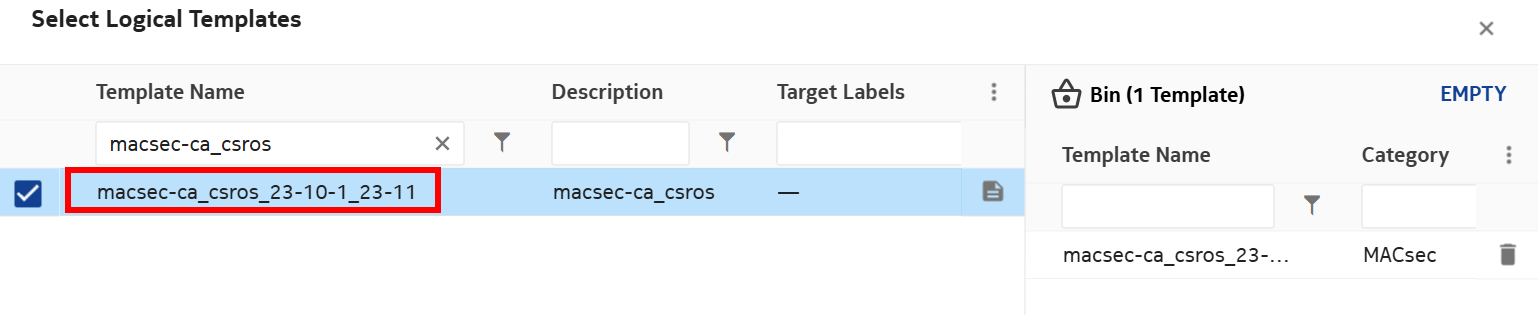
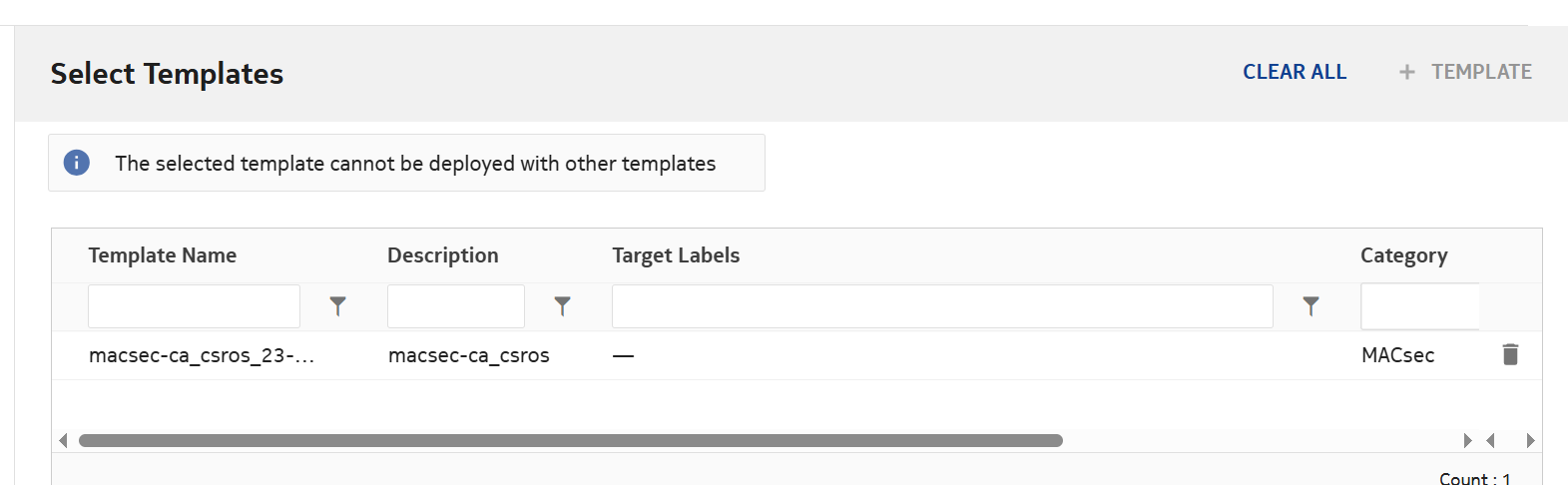
Click on +TEMPLATE and select macsec-ca_csros.


3 

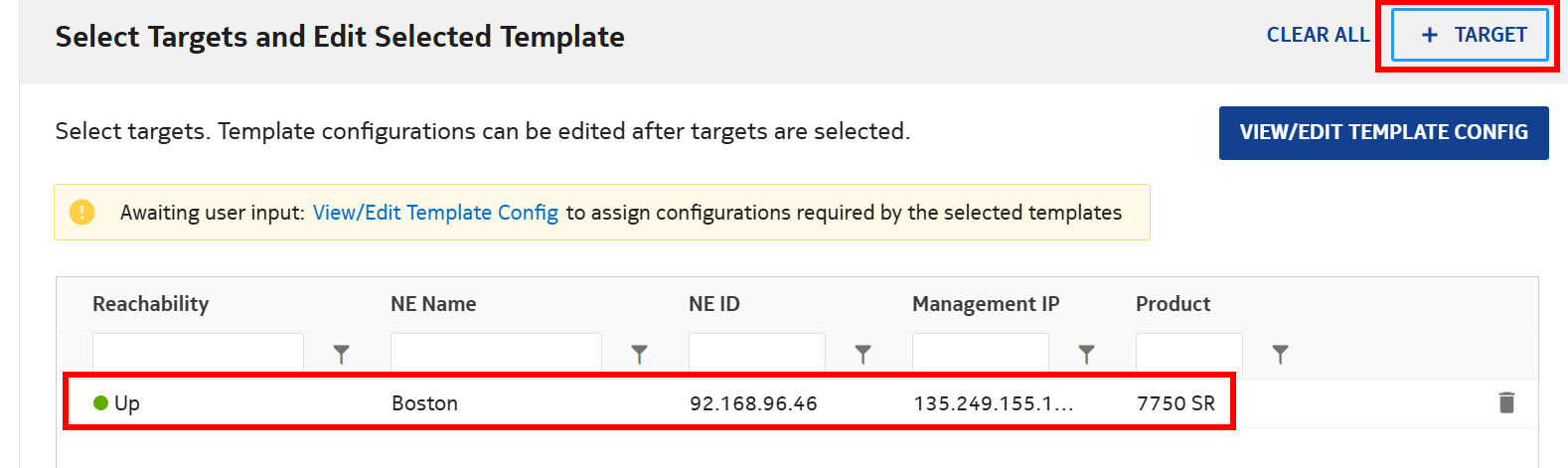
Click on +TARGETS and select NEs. Select the NE and click ADD.


4 

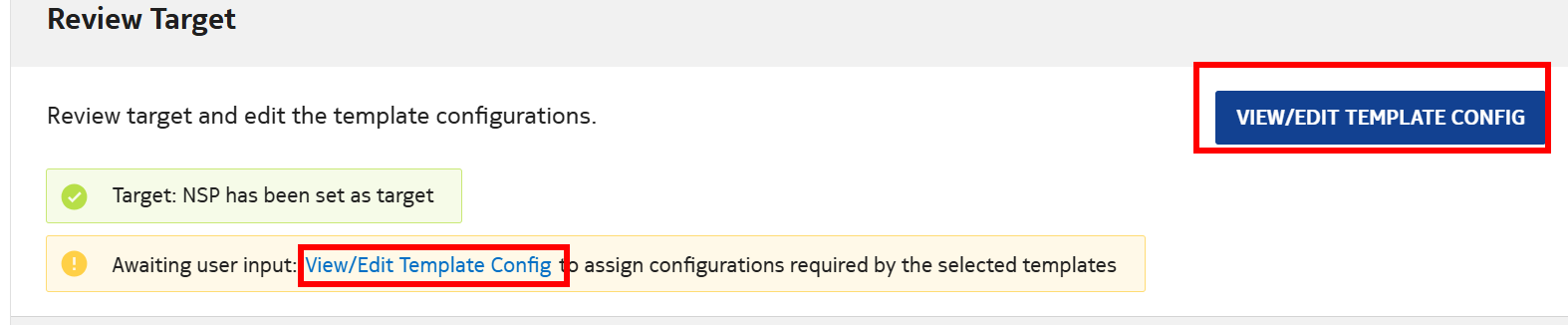
Click on VIEW/EDIT TEMPLATE CONFIG.


5 

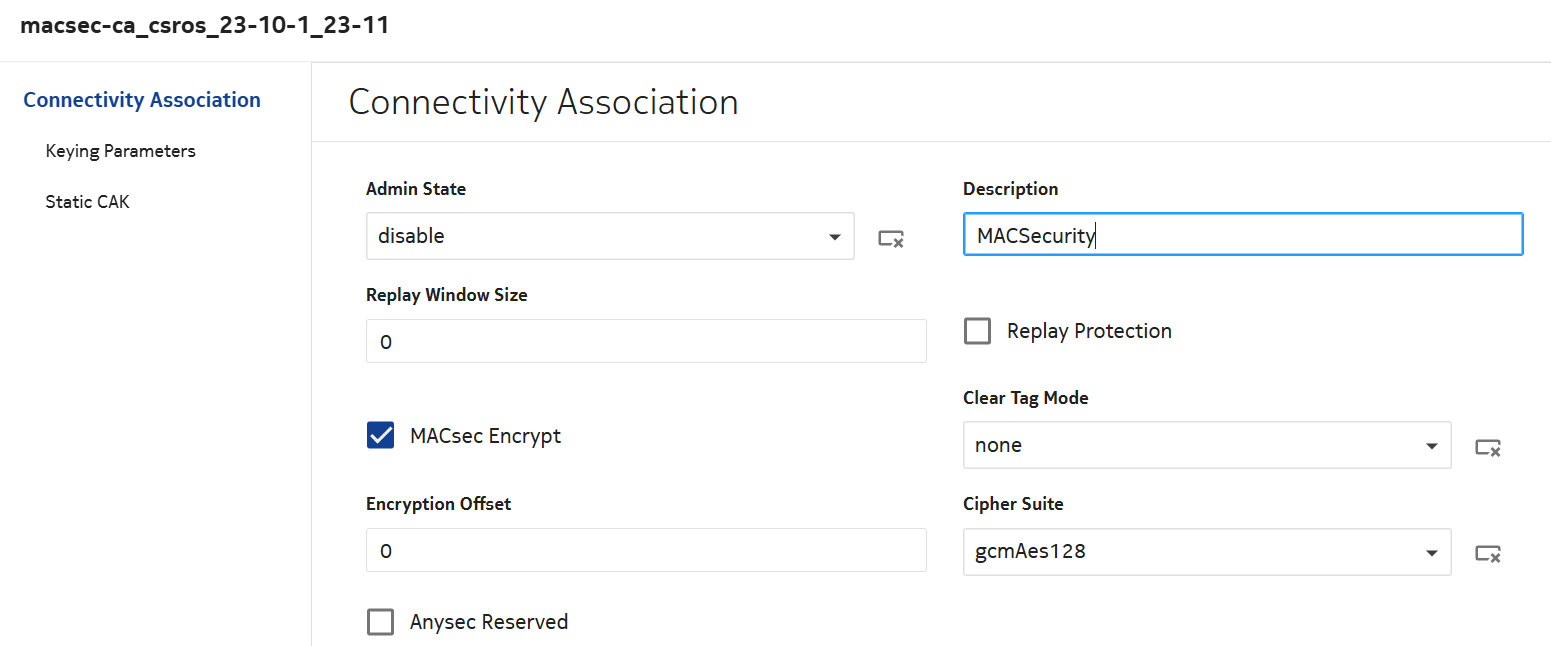
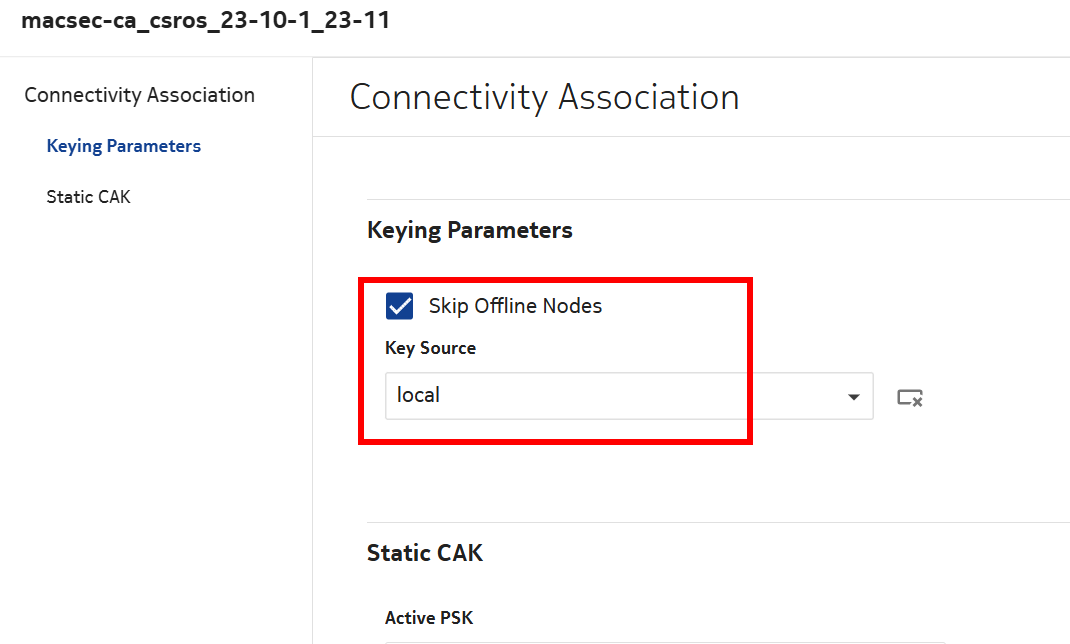
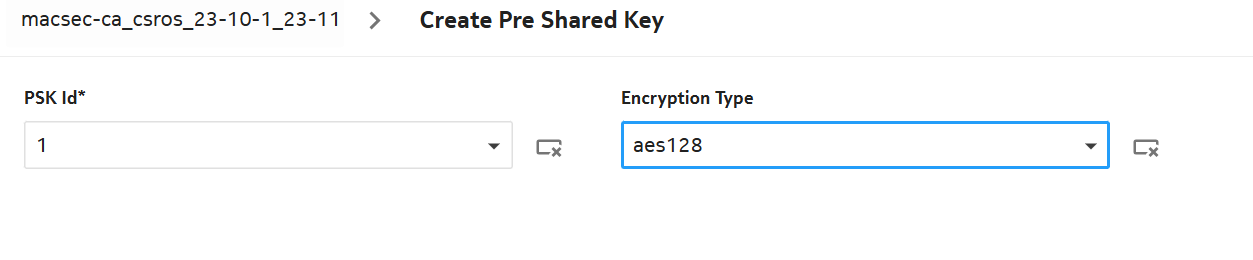
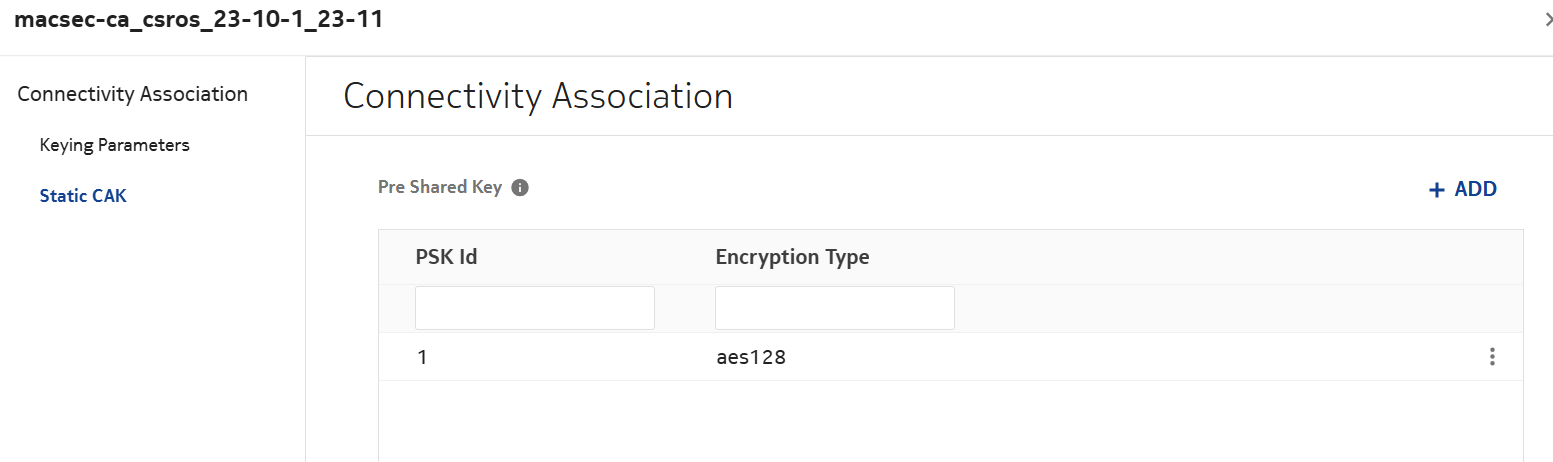
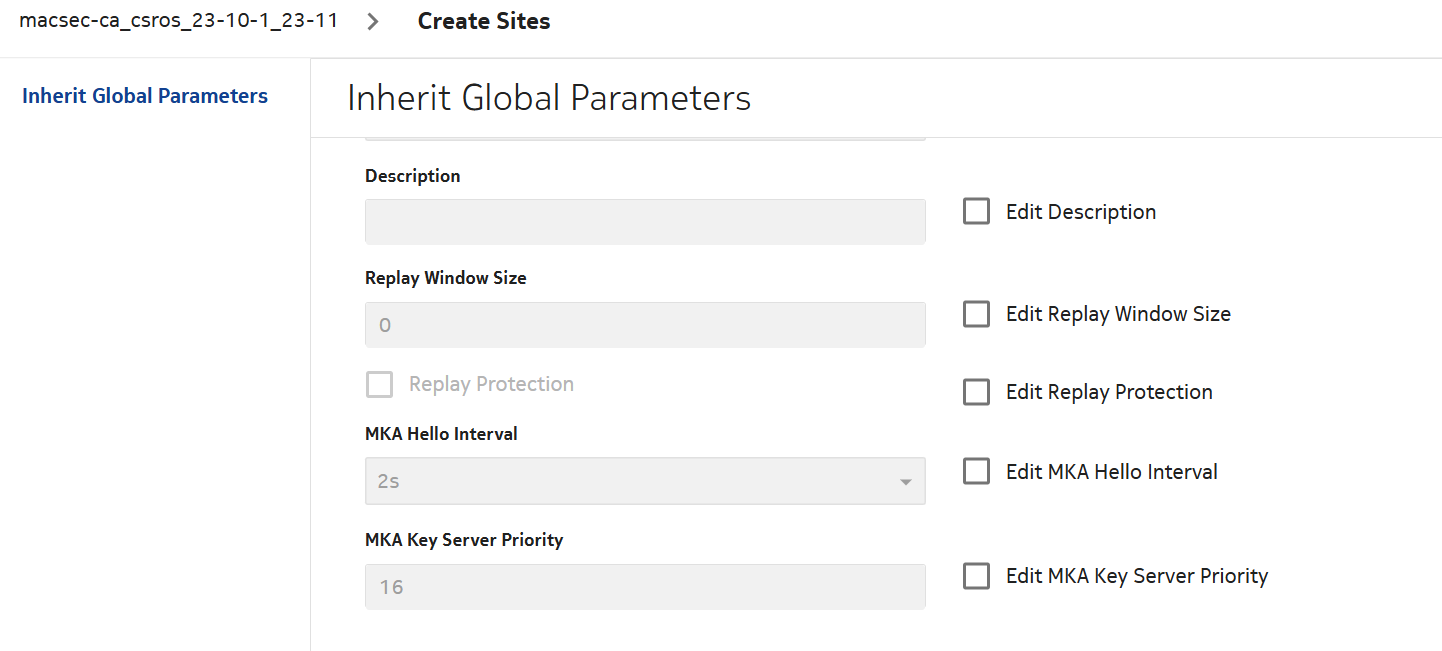
Configure the following attributes:

Pre Shared Key attributes:

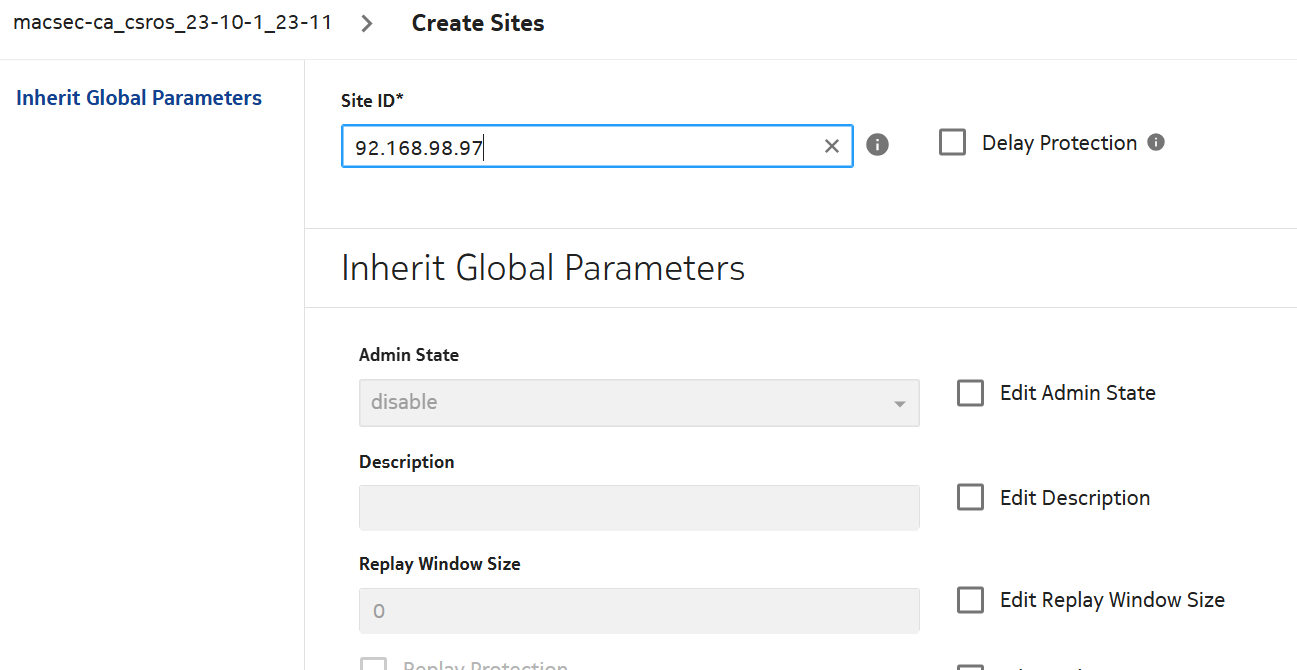
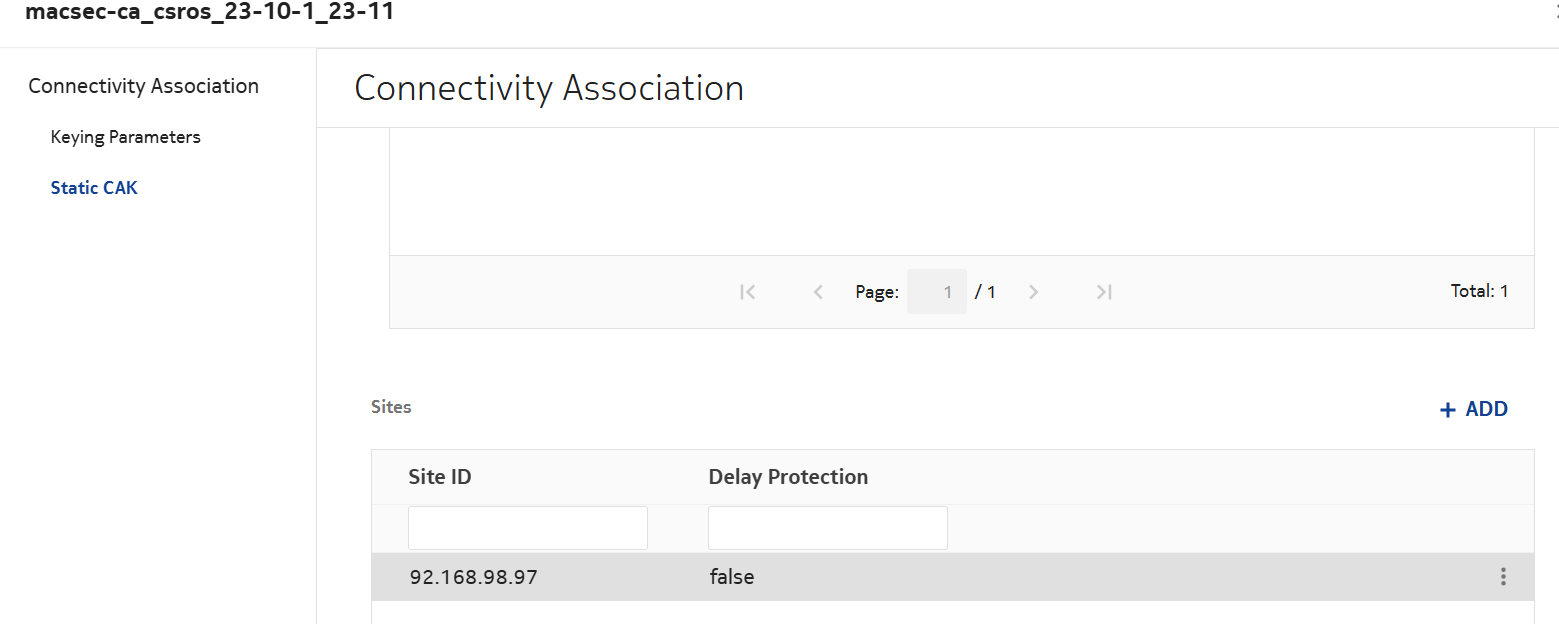
Site attributes:

Site entry should look as follows:


6 

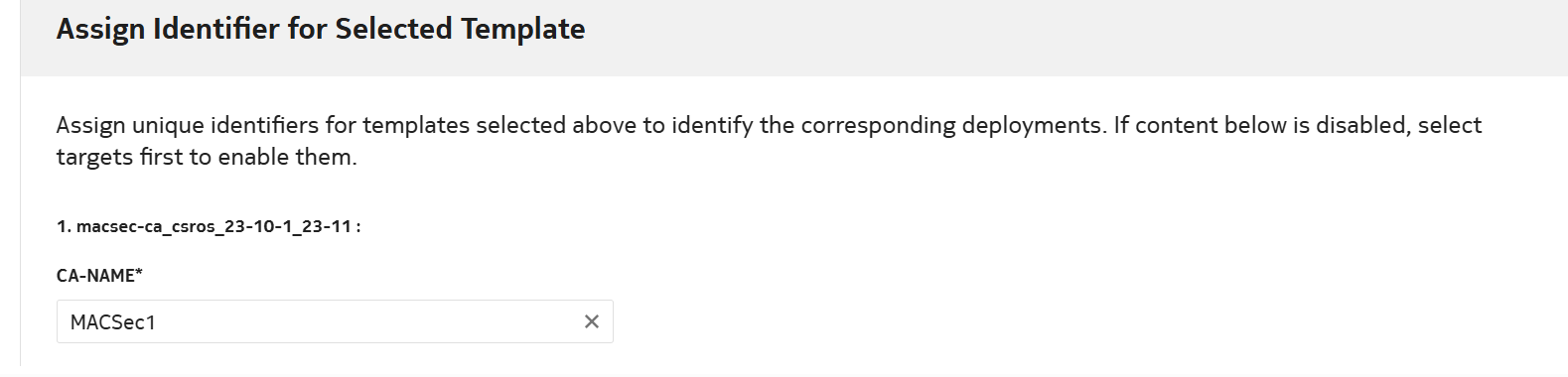
Enter the CA name and select DEPLOY.


7 

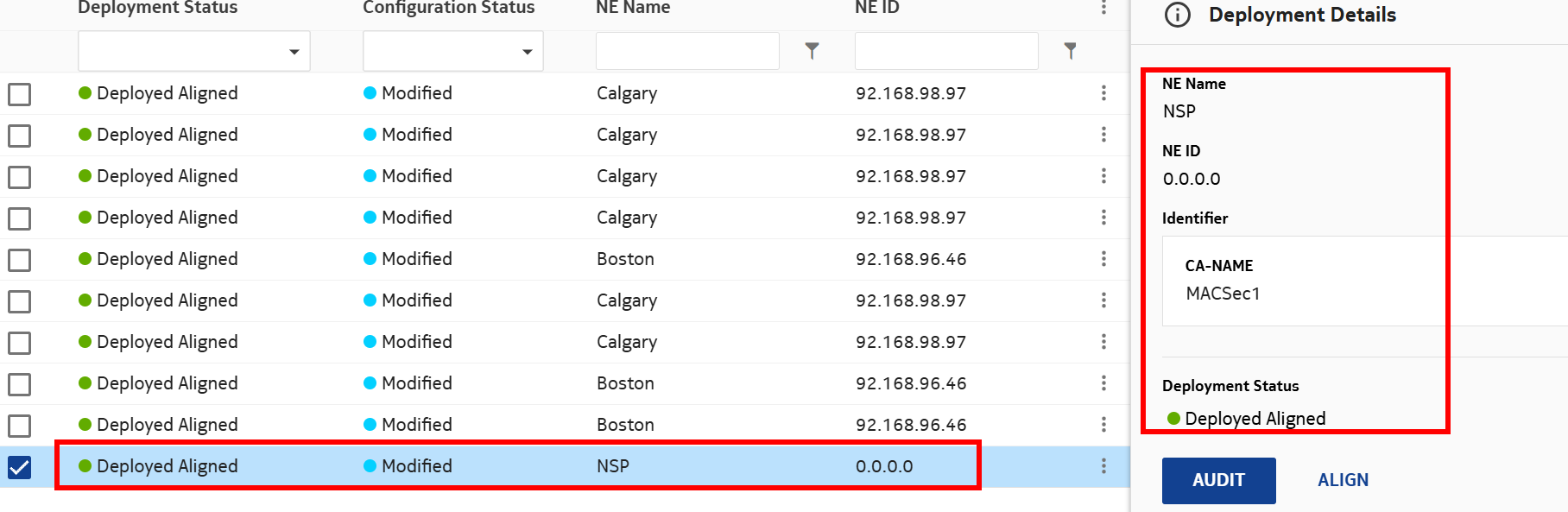
Verify that the policy is Deployed and Aligned.


8 

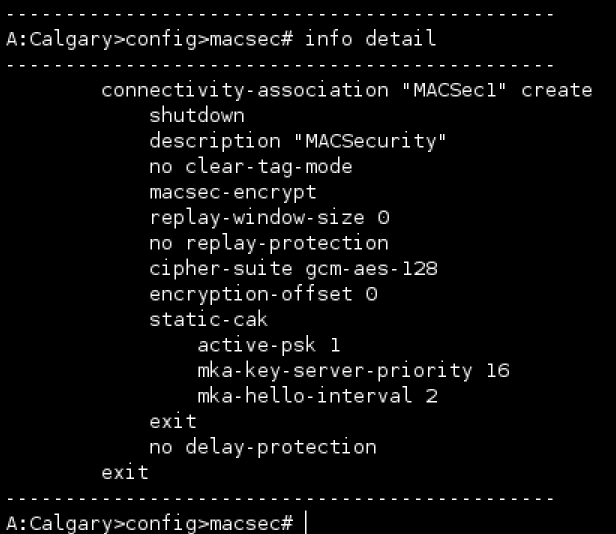
Log into NE and verify the configuration is deployed.

View the figure

End of steps

To configure system-lldp_csros
 
1 

In Device Management, select Configuration Deployments. From the DEPLOYMENT drop-down menu, select Logical.


2 

Click on +TEMPLATE and select system-lldp_csros.


3 

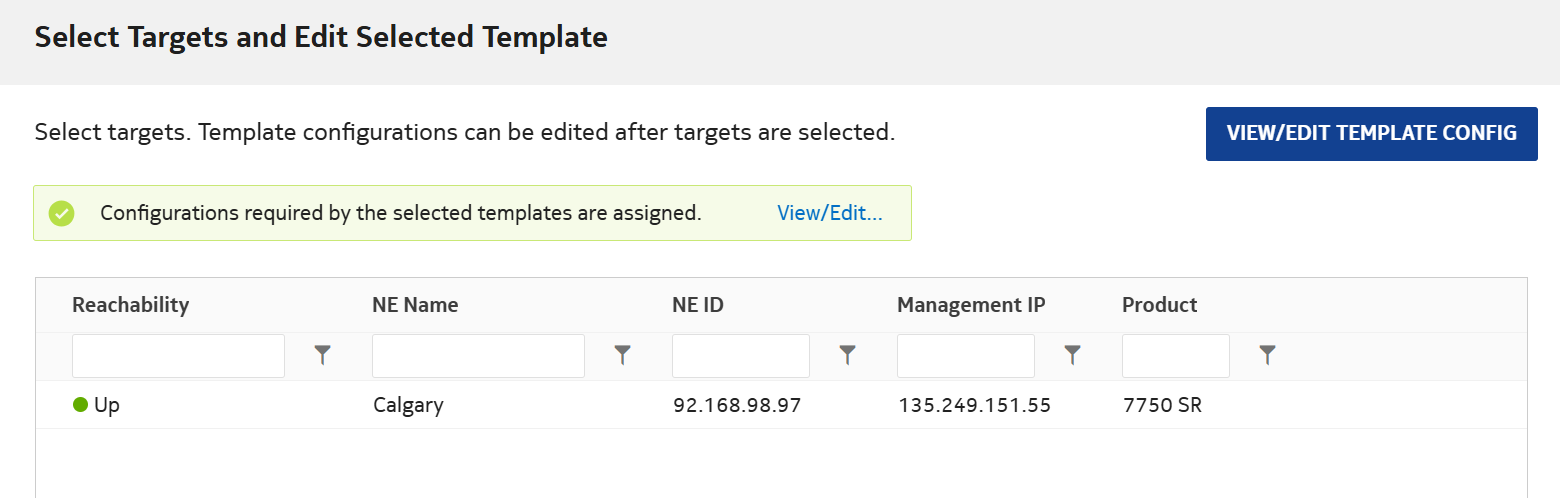
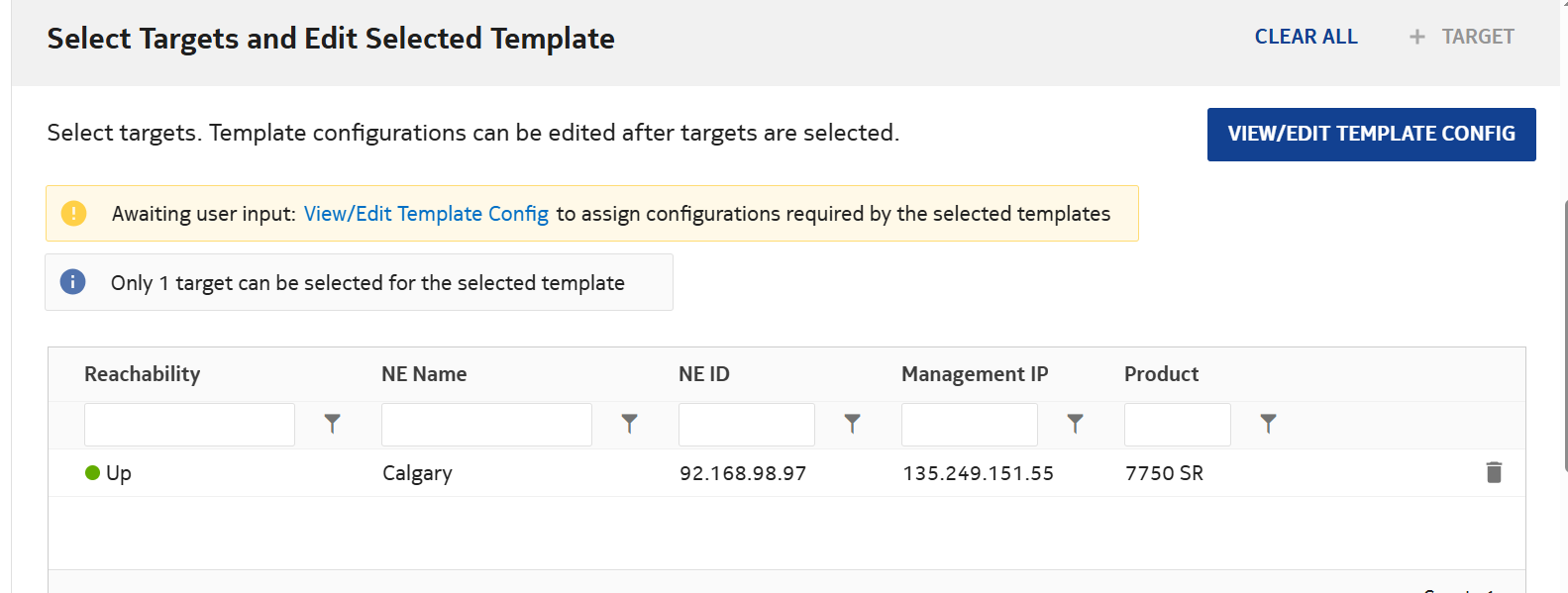
Click on +TARGETS and select NEs. Select the NE and click ADD.


4 

Click on VIEW/EDIT TEMPLATE CONFIG.


5 

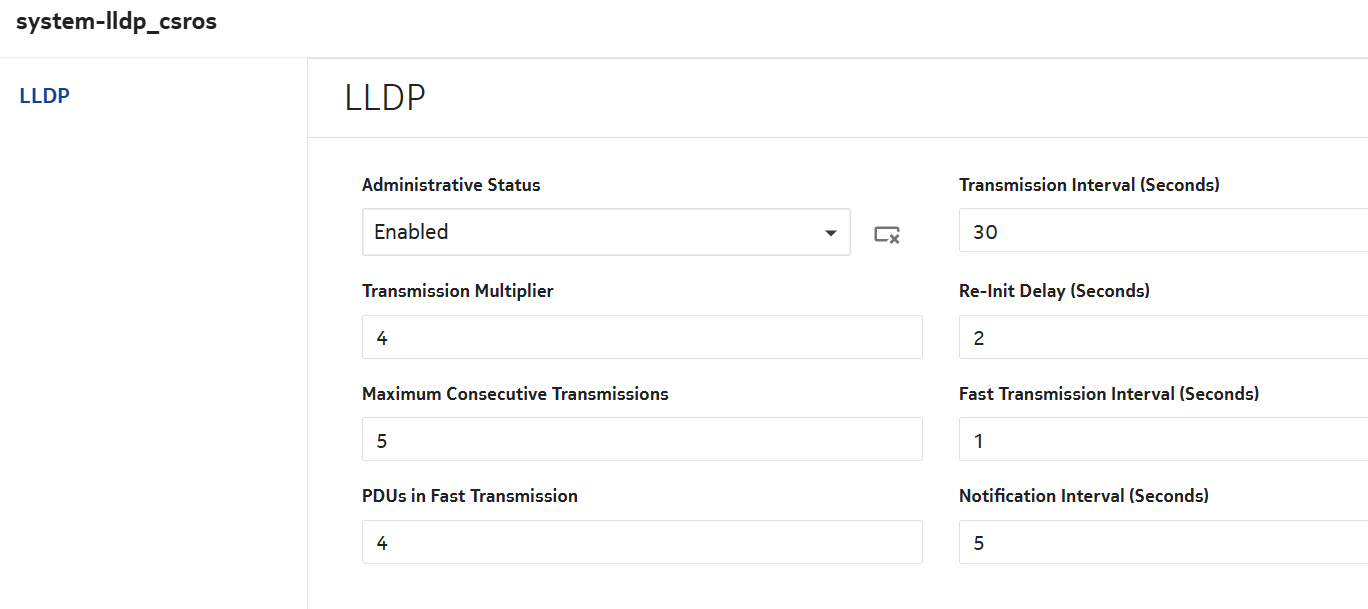
Enter the required details:


6 

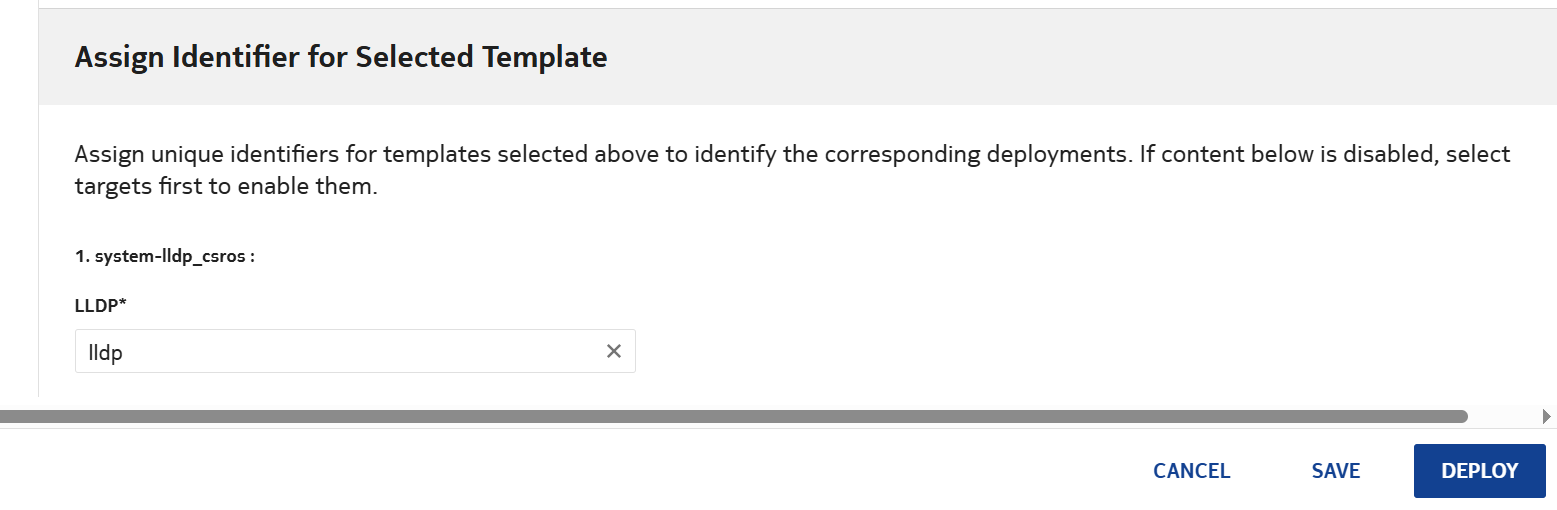
Enter the LLDP name and select DEPLOY.


7 

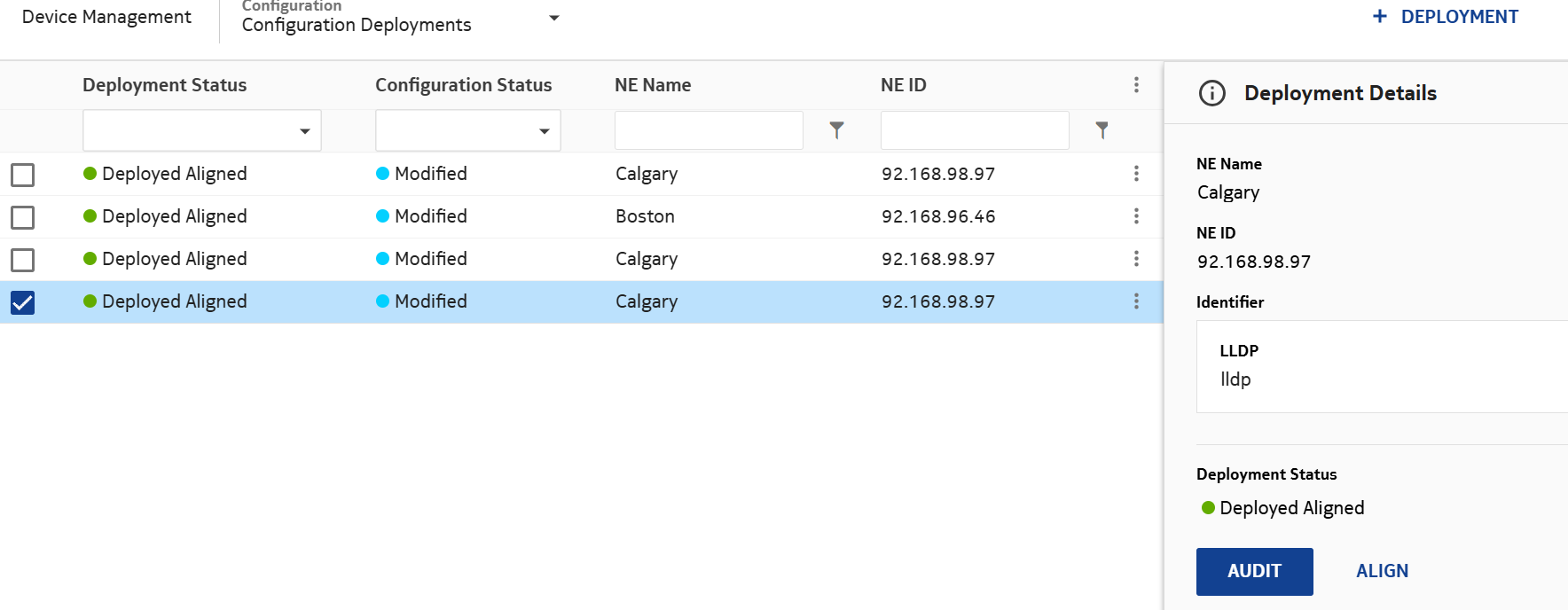
Verify that the LLDP is Deployed and Aligned.


8 

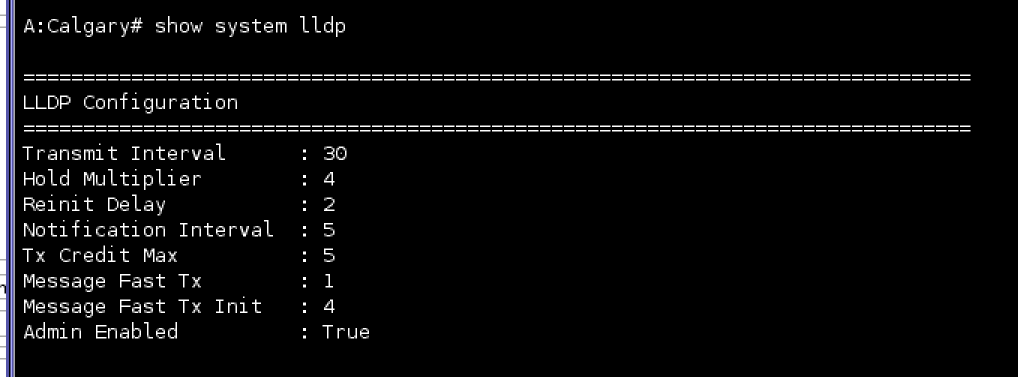
Log into NE and verify the configuration is deployed.

End of steps

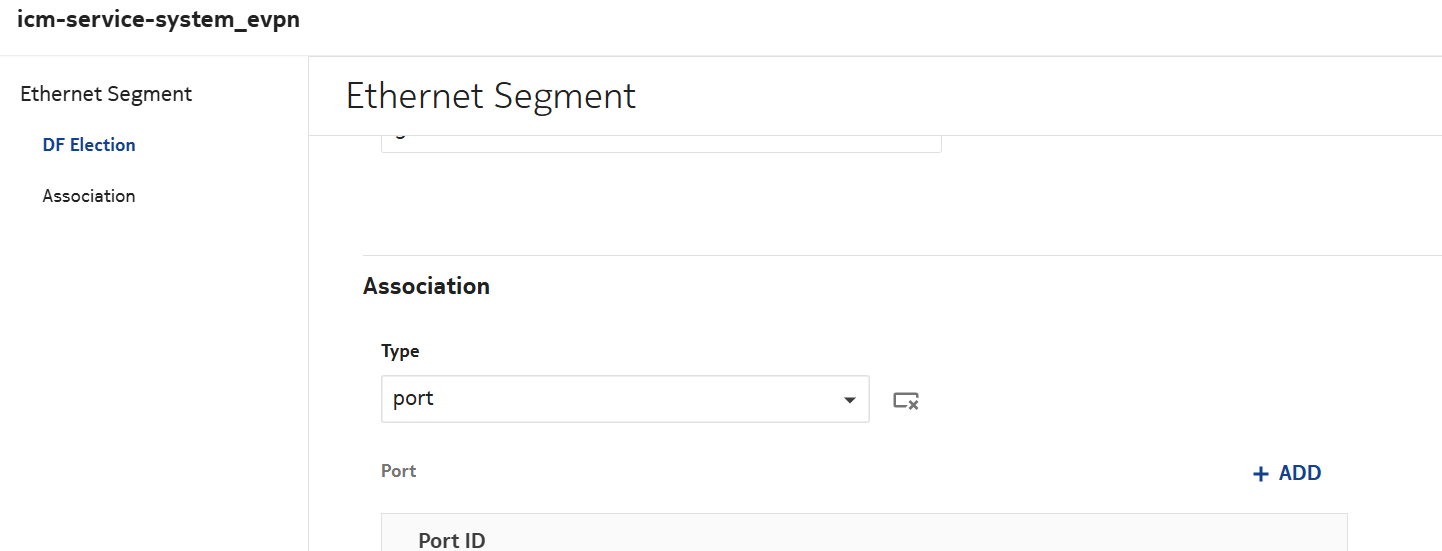
To configure icm-service-system_evpn
 
1 

In Device Management, select Configuration Deployments. From the DEPLOYMENT drop-down menu, select Logical.


2 

Click on +TEMPLATE and select icm-service-system_evpn.


3 

Click on +TARGETS and select NEs. Select the NE and click ADD.


4 

Click on VIEW/EDIT TEMPLATE CONFIG.


5 

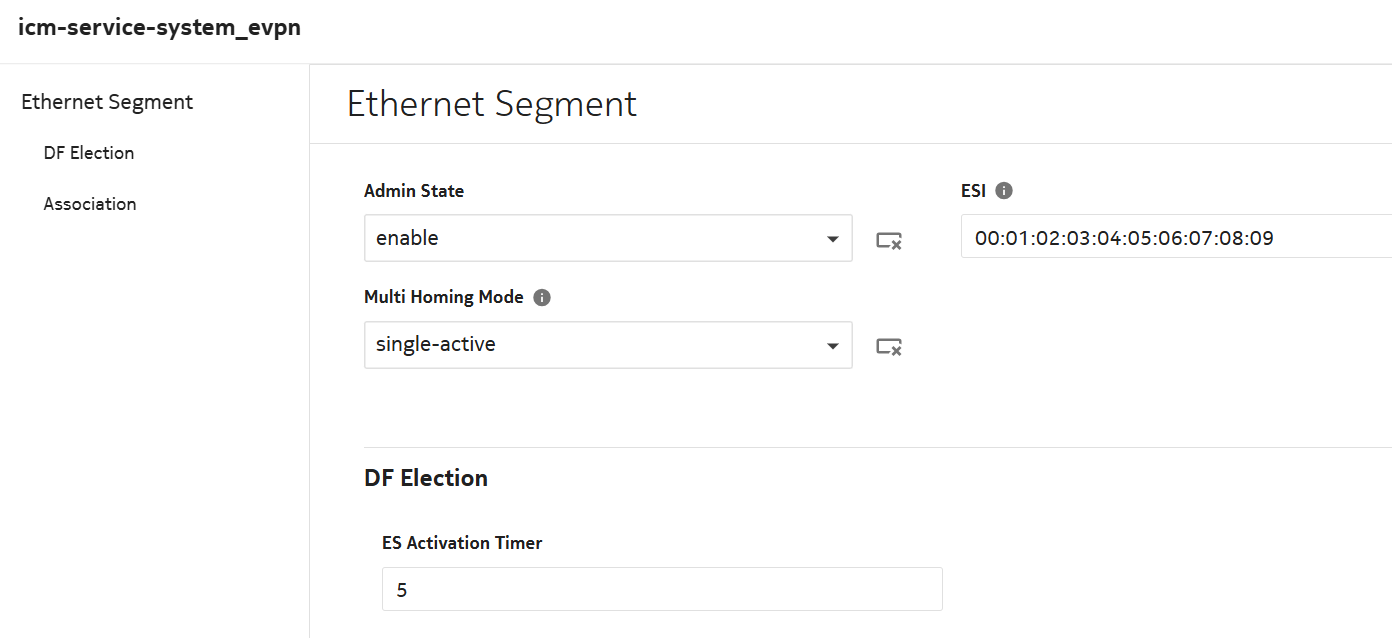
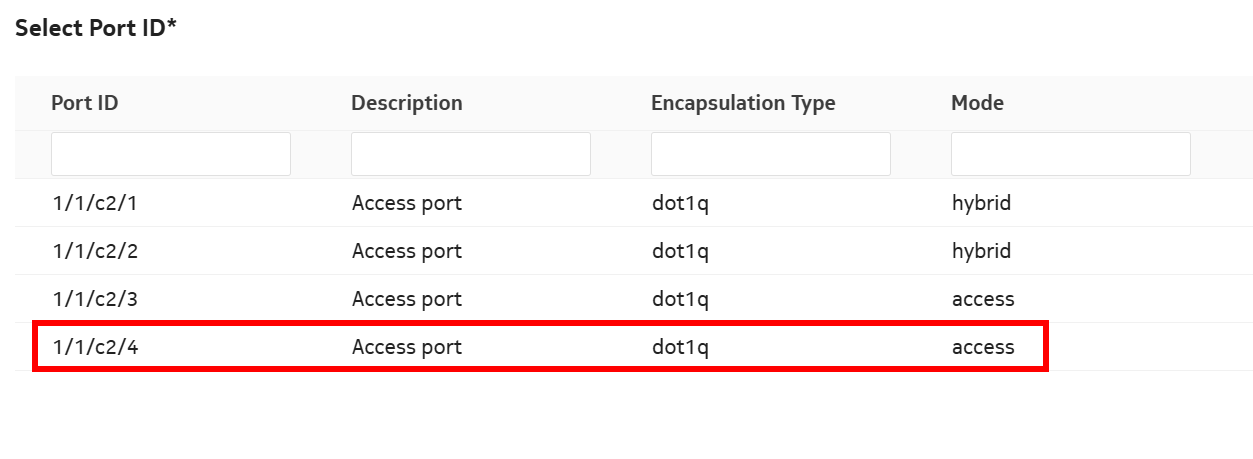
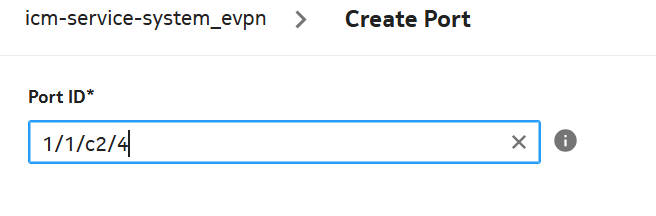
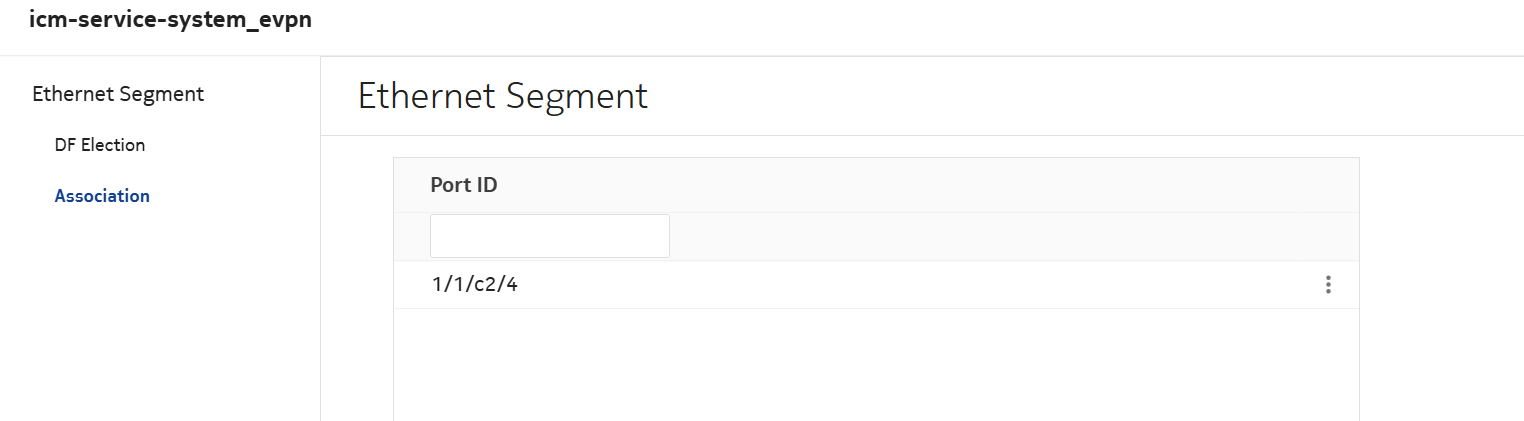
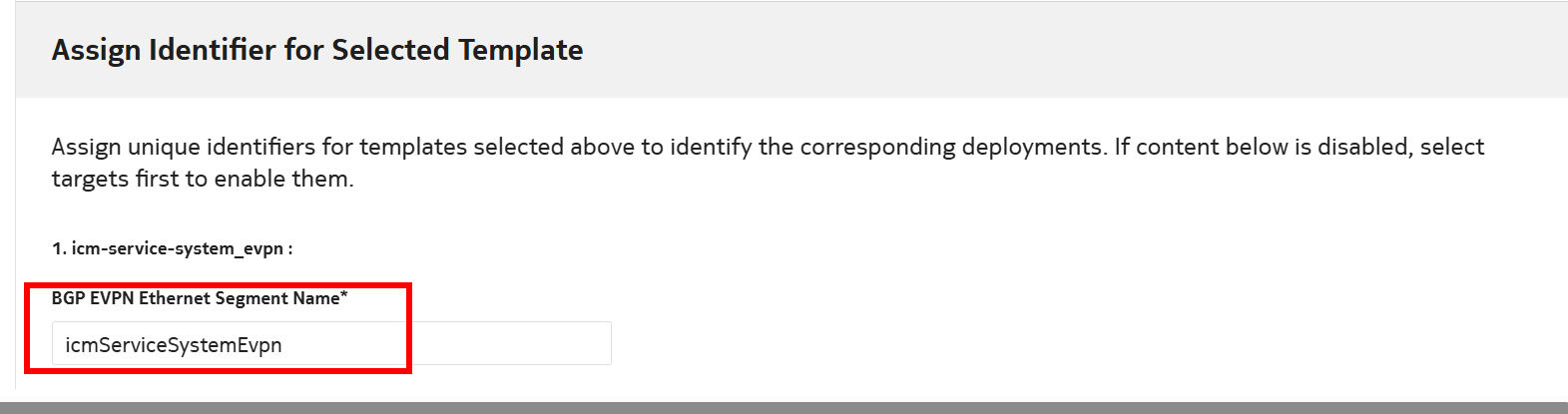
Enter the required details:

View the figure

6 

Enter the name and select DEPLOY.


7 

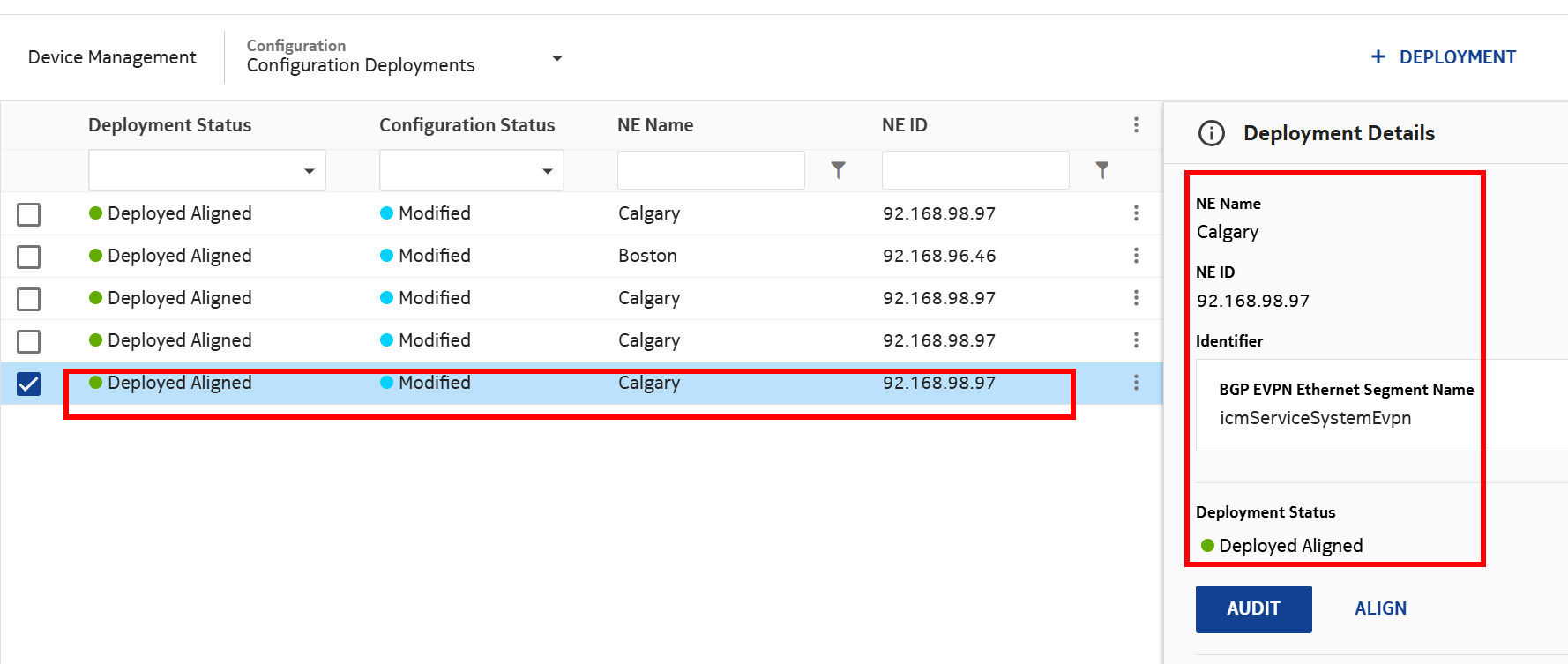
Verify it is Deployed and Aligned.


8 

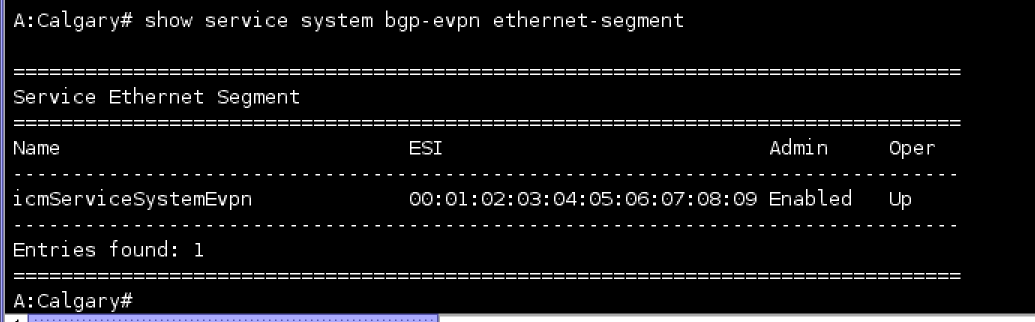
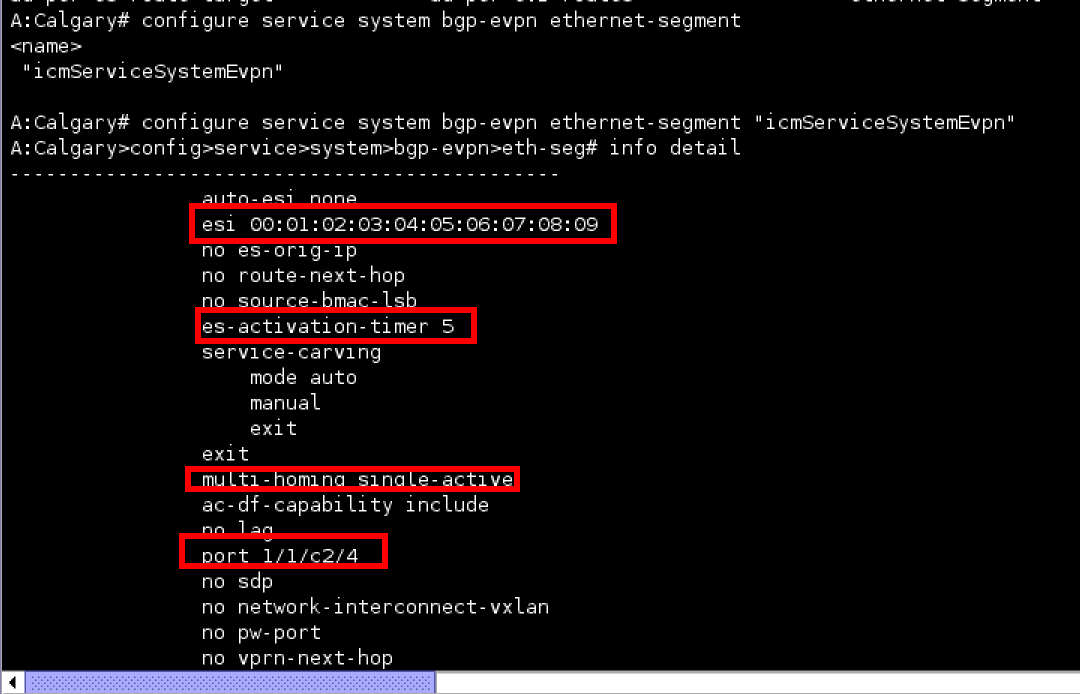
Log into NE and verify the configuration is deployed.

End of steps

To configure file-accounting_gsros
 
1 

In Device Management, select Configuration Deployments. From the DEPLOYMENT drop-down menu, select Logical.


2 

Click on +TEMPLATE and select file-accounting_gsros.


3 

Click on +TARGETS and select NEs. Select the NE and click ADD.


4 

Click on VIEW/EDIT TEMPLATE CONFIG.


5 

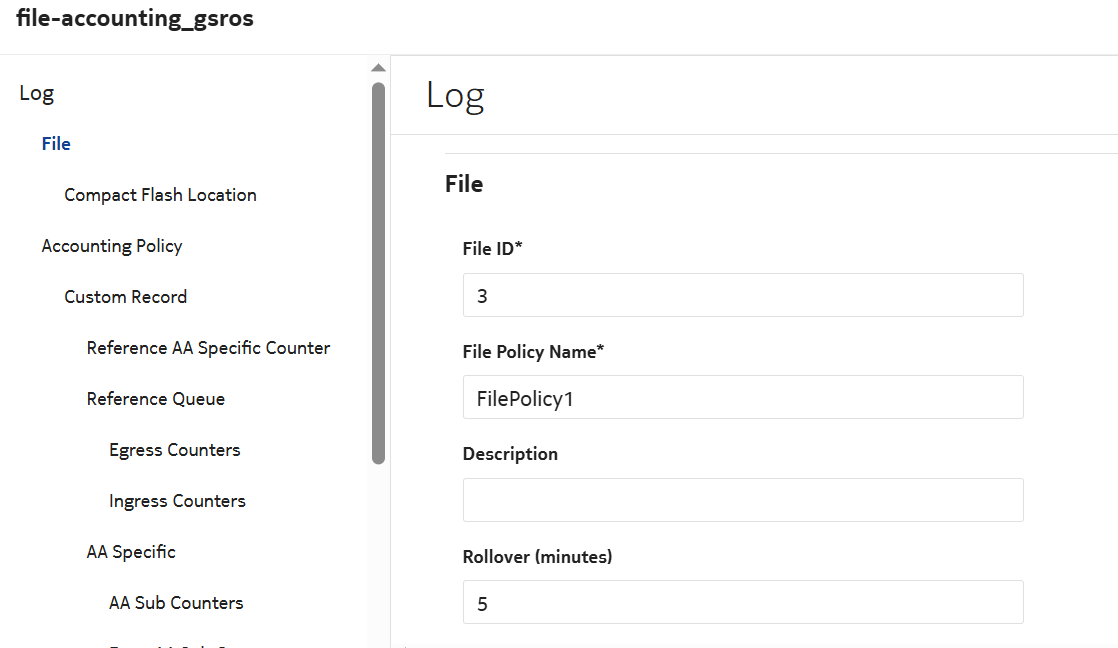
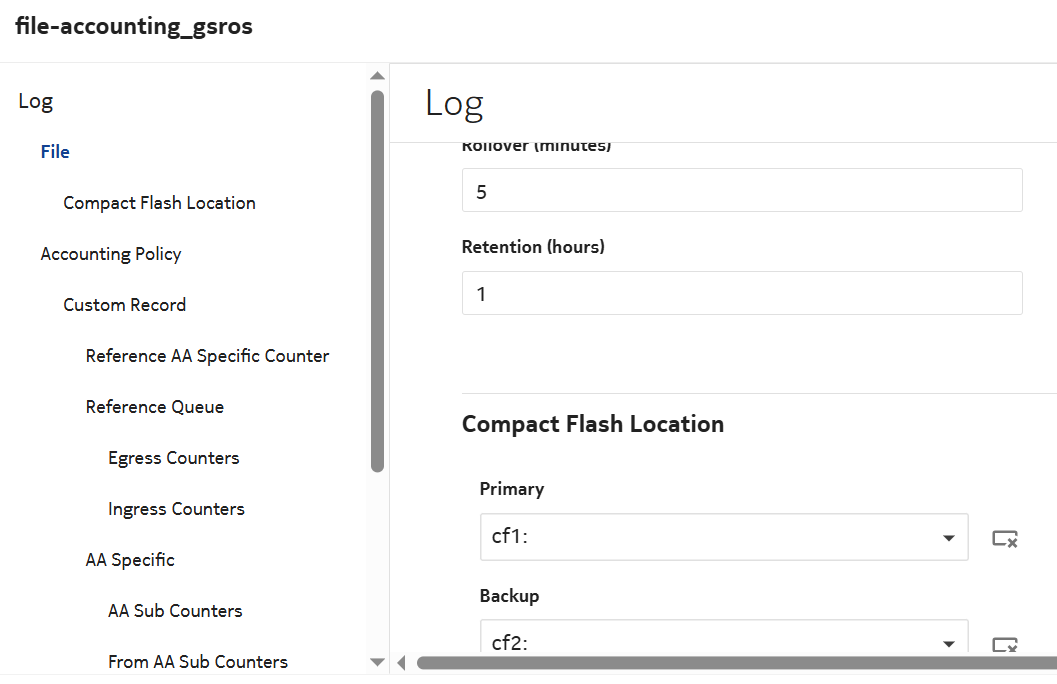
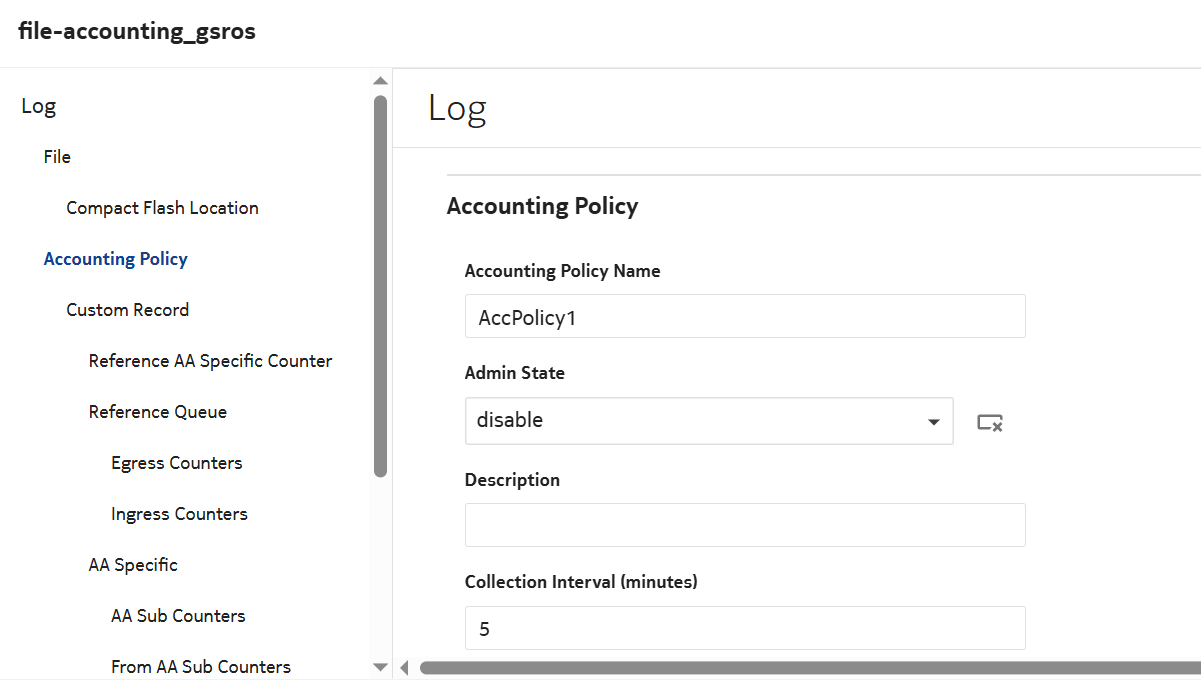
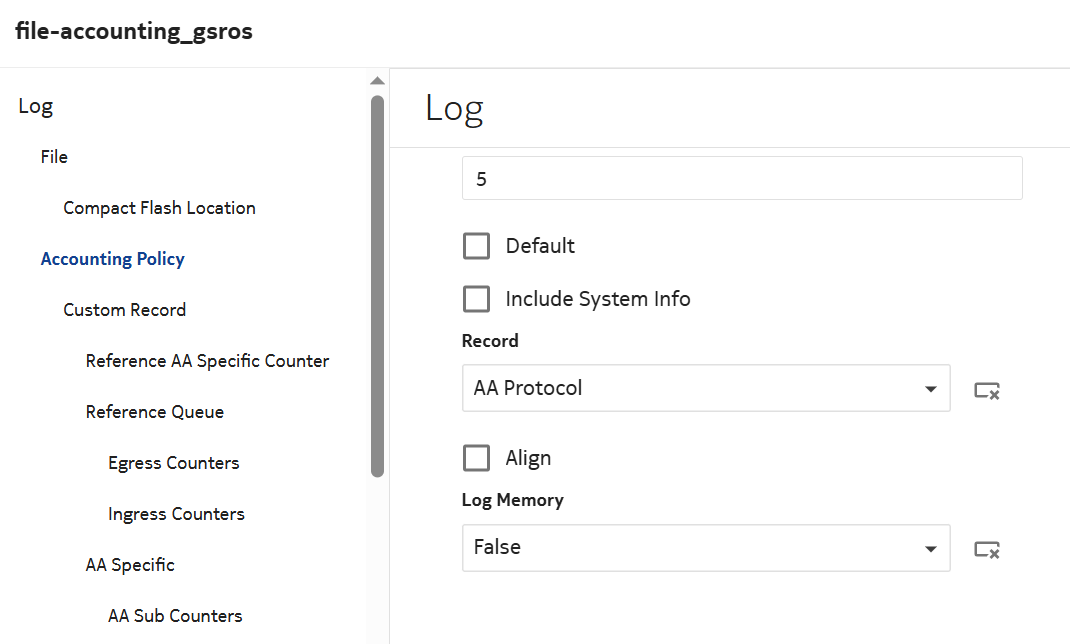
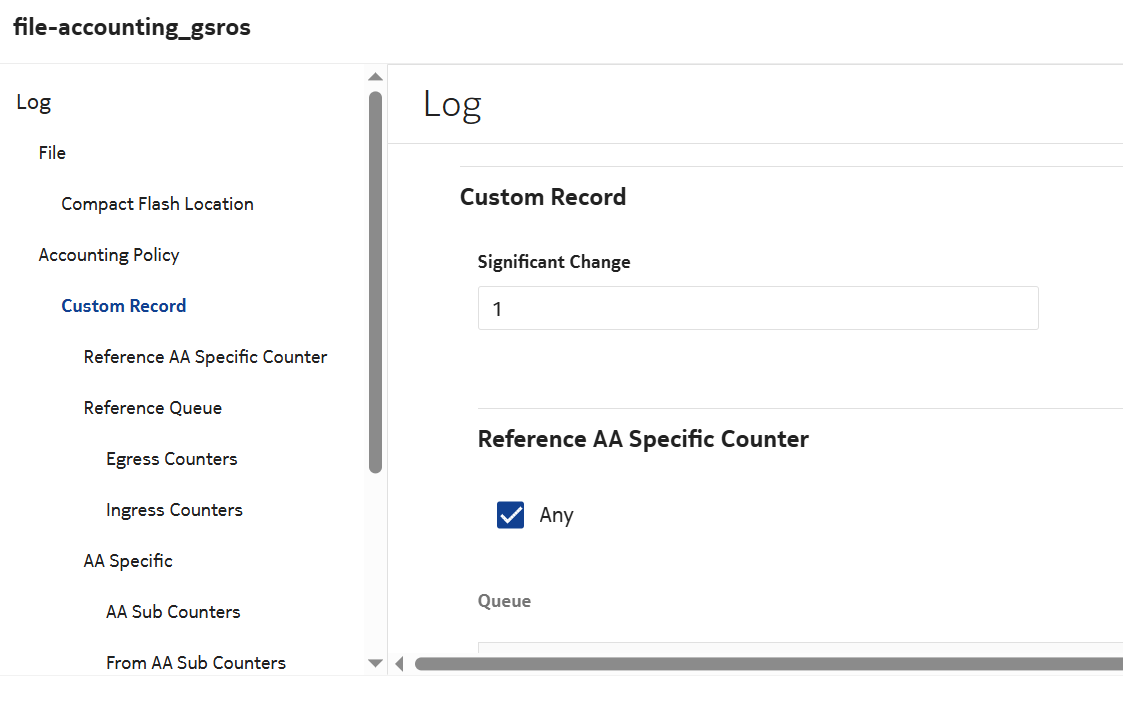
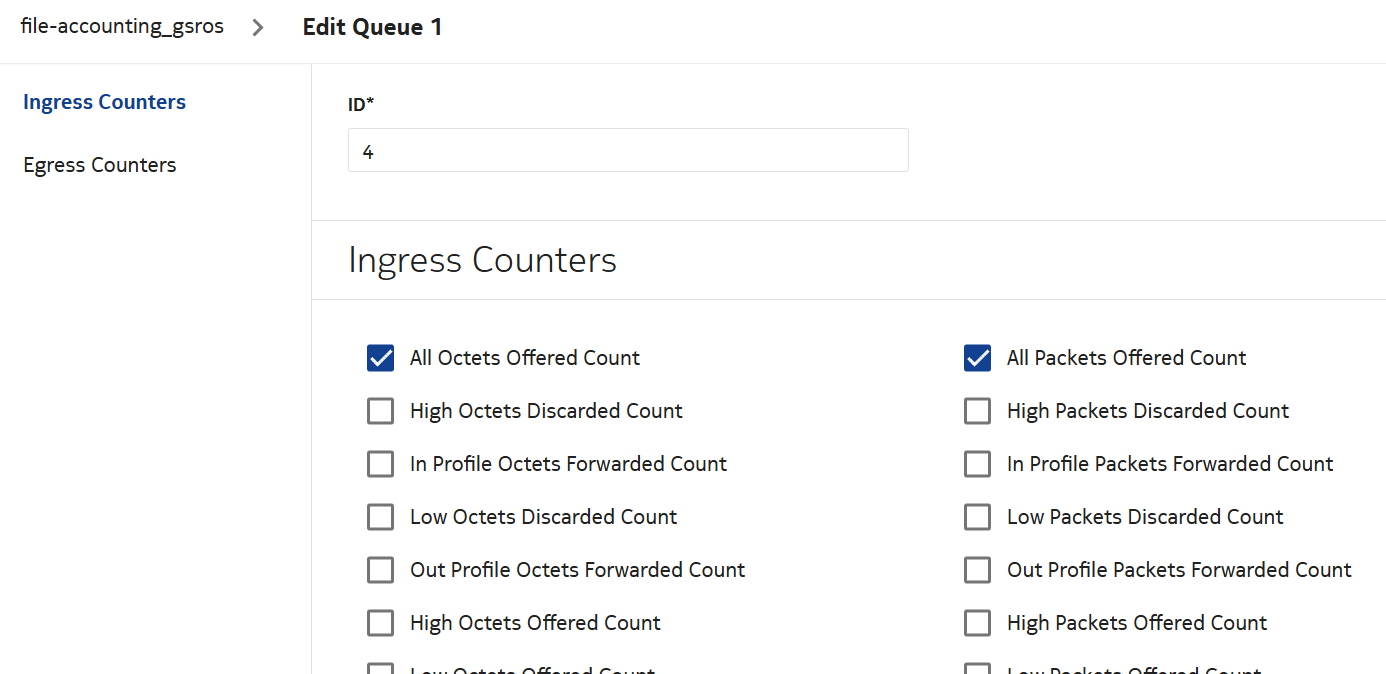
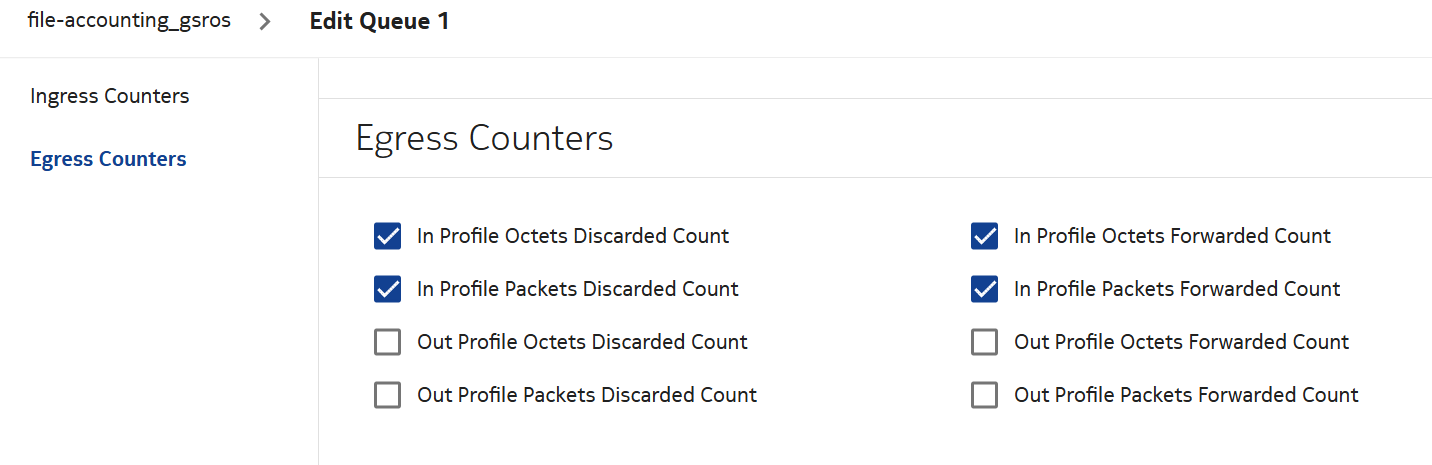
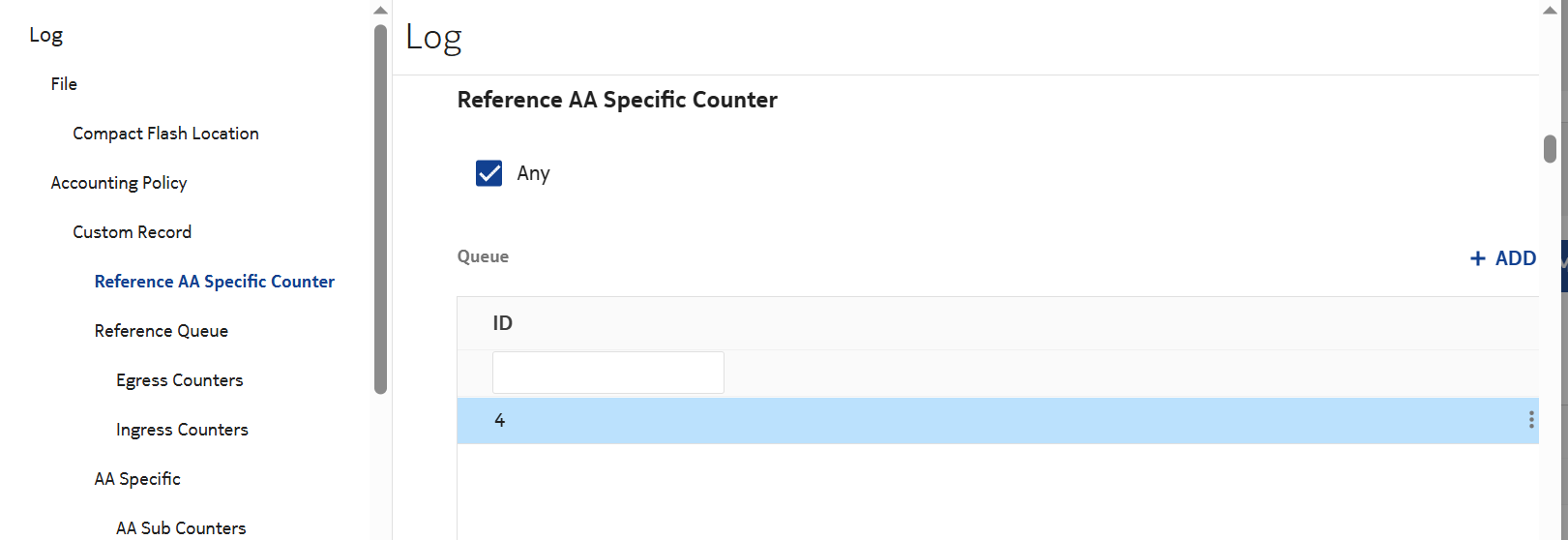
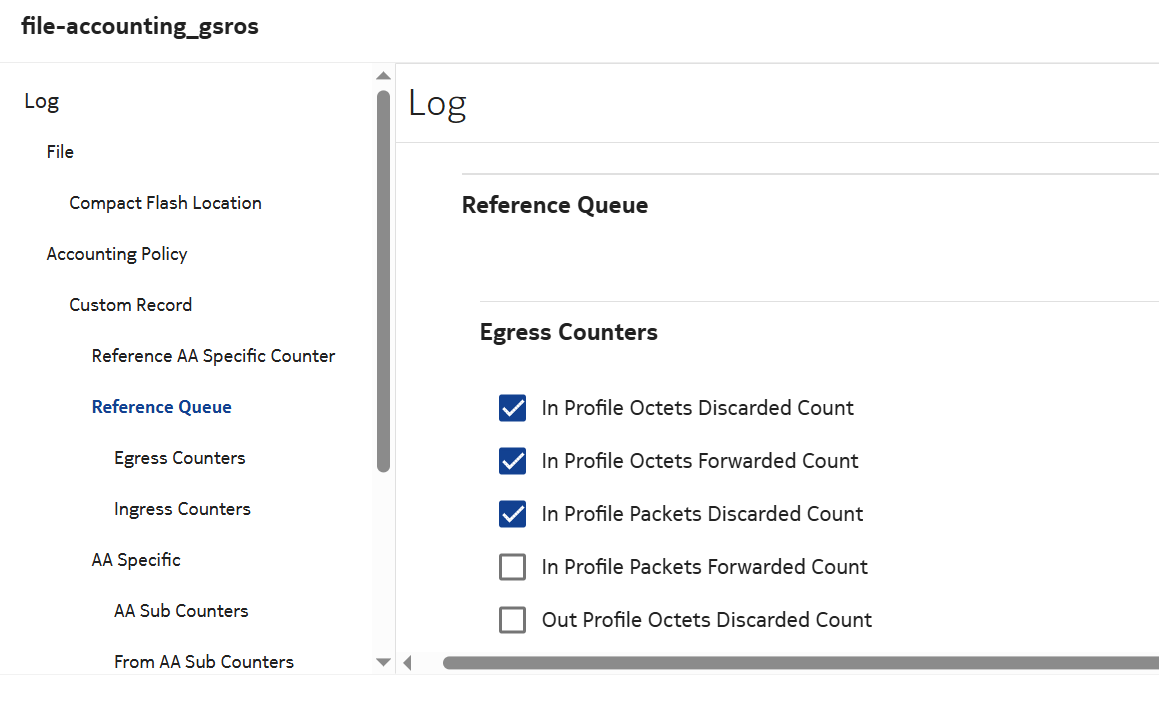
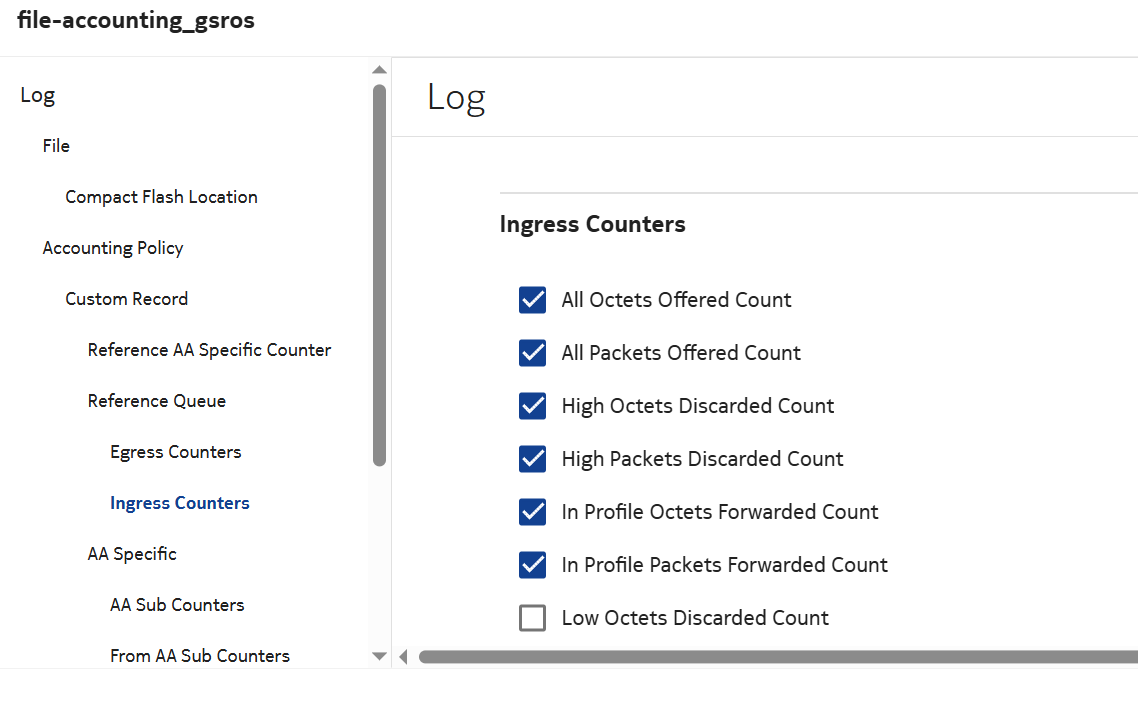
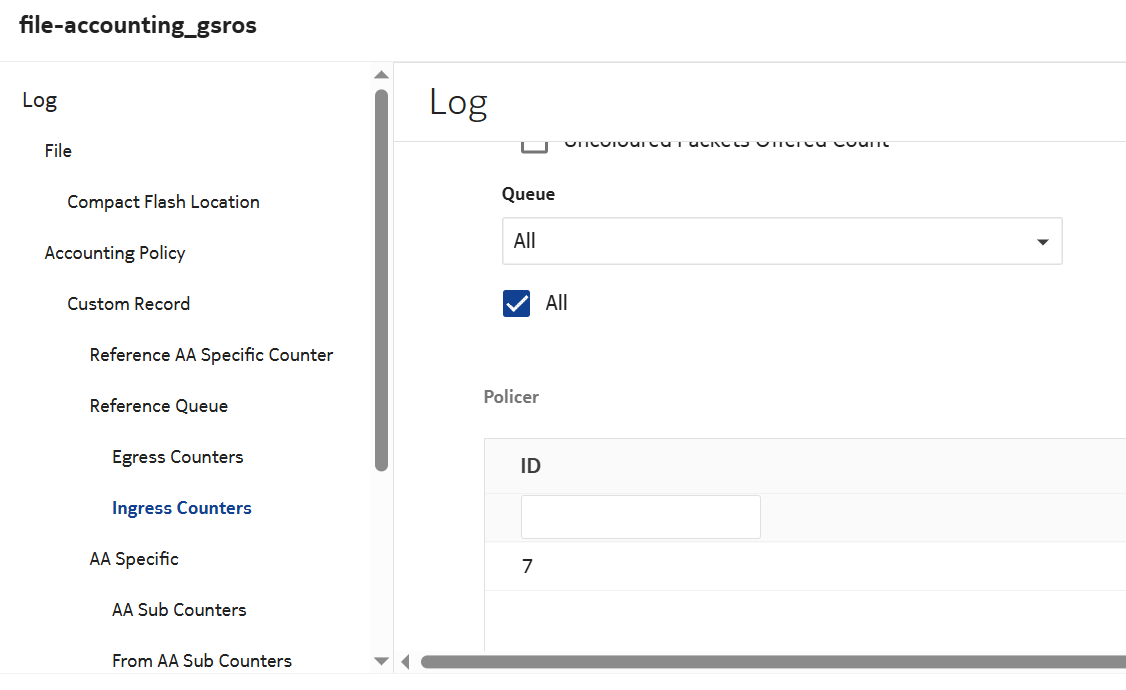
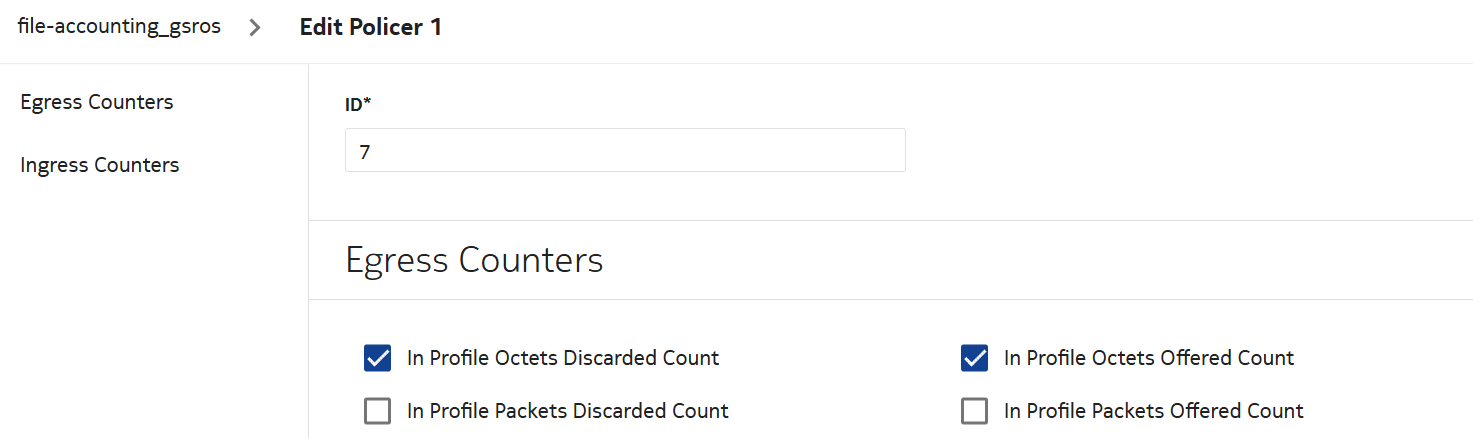
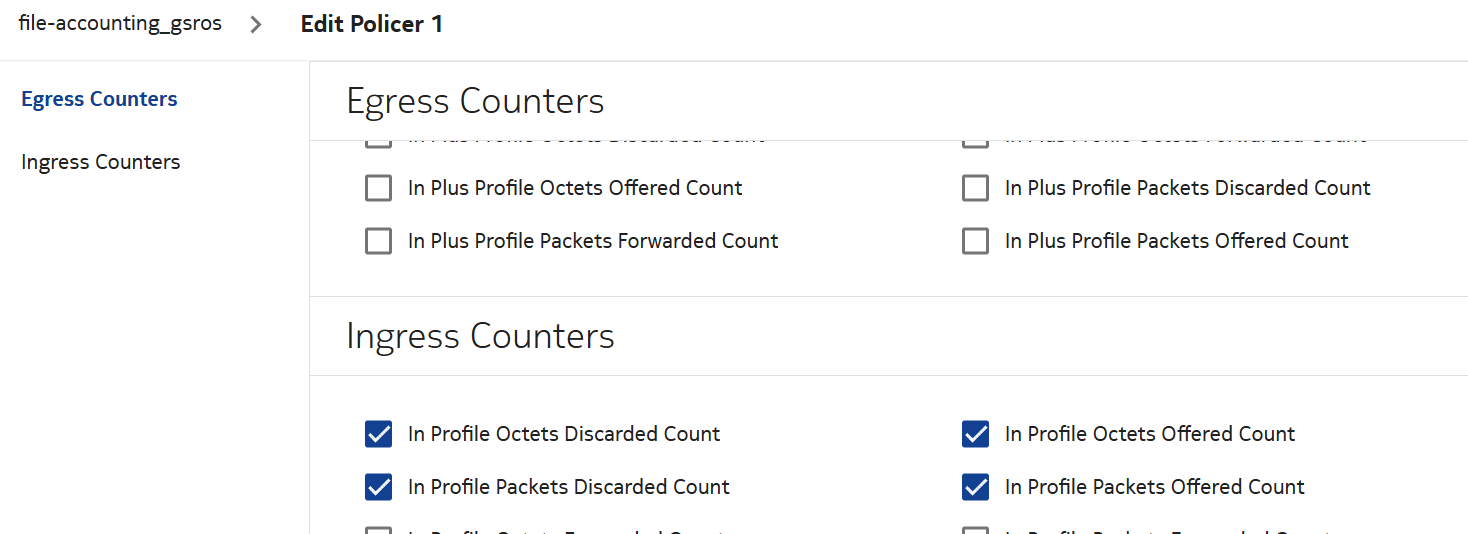
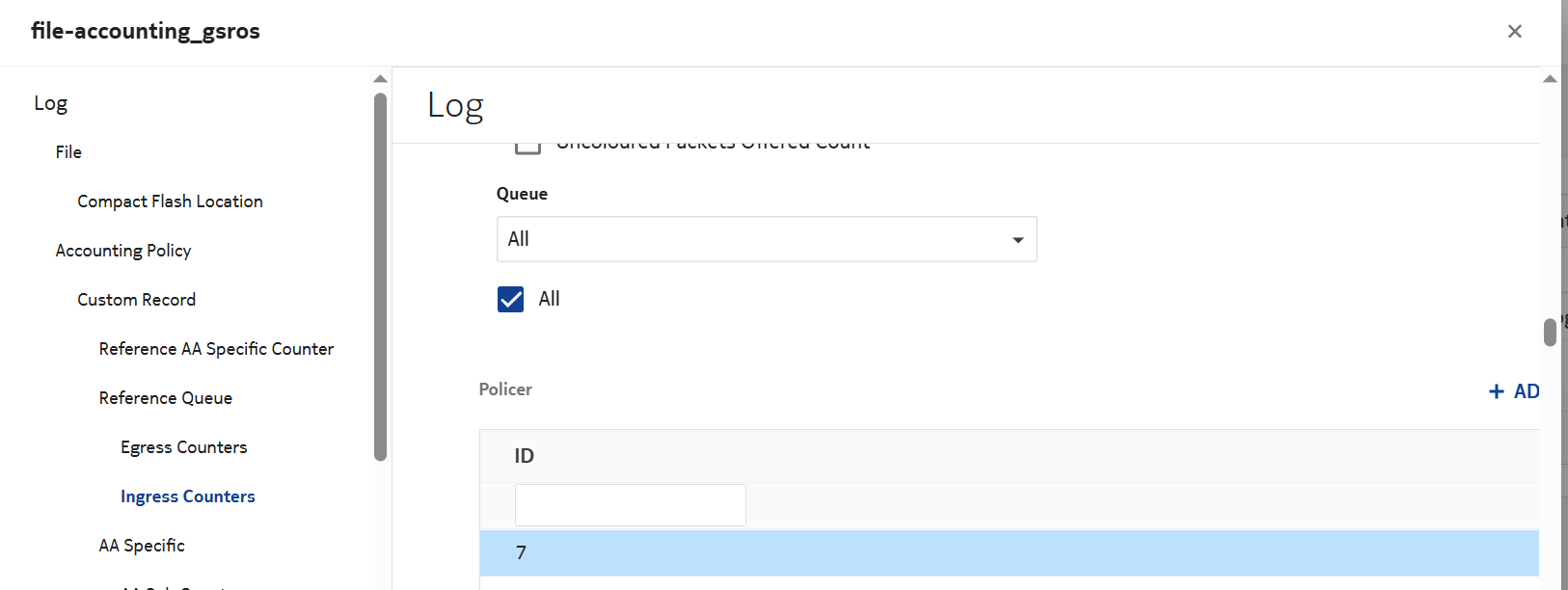
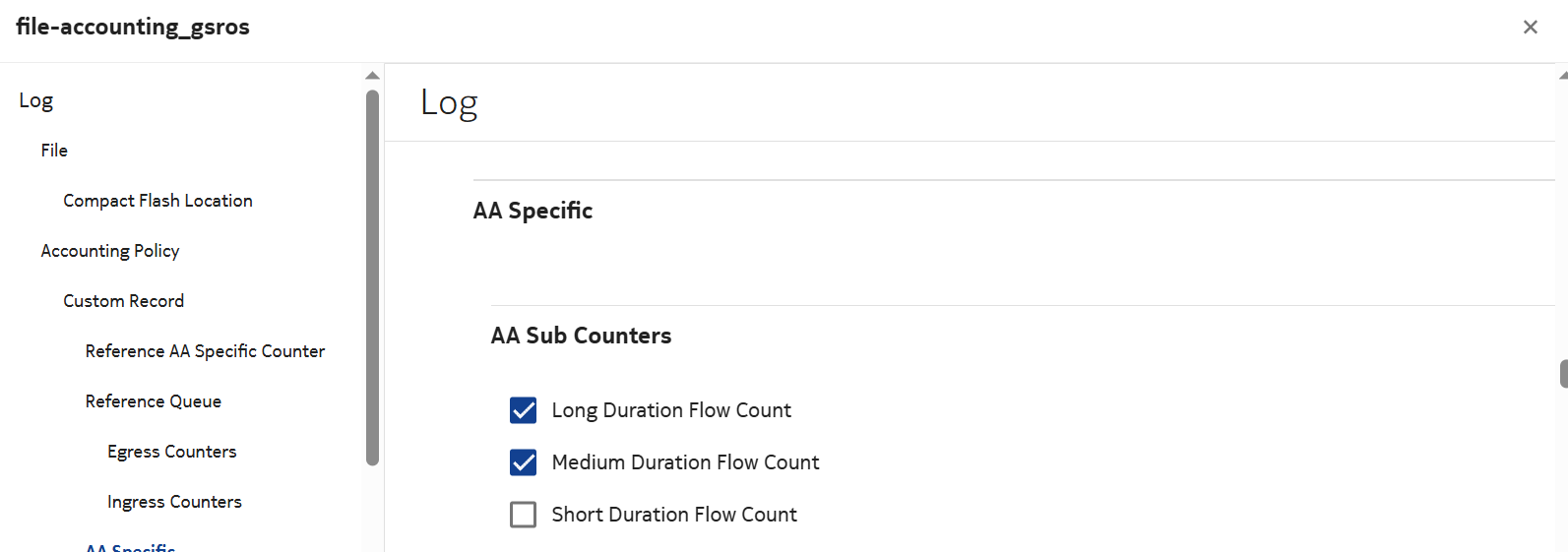
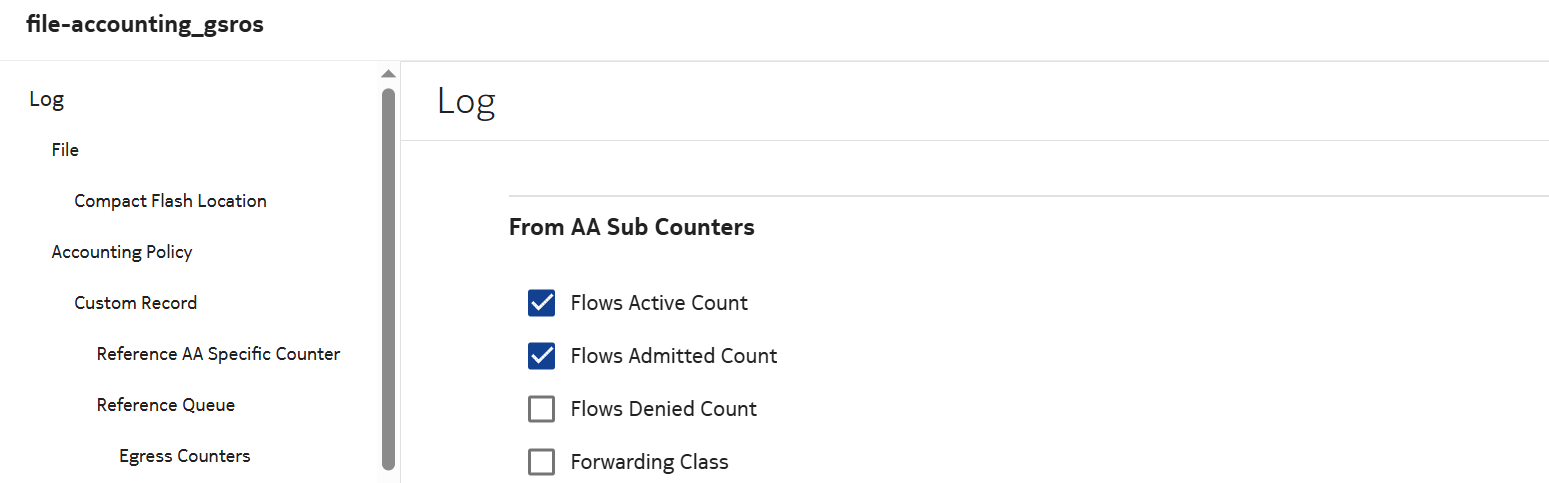
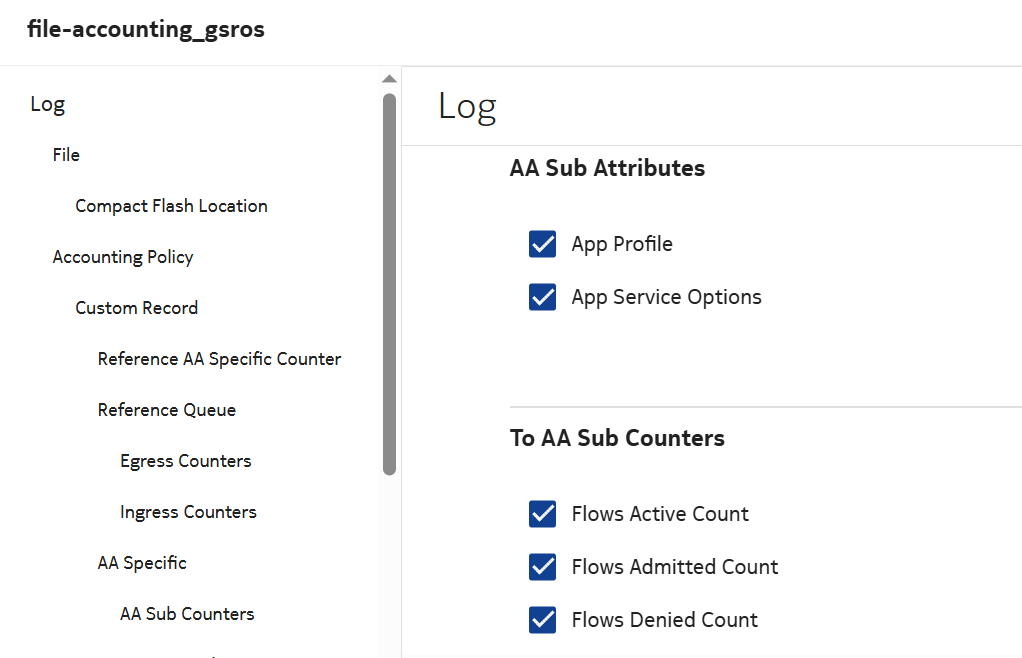
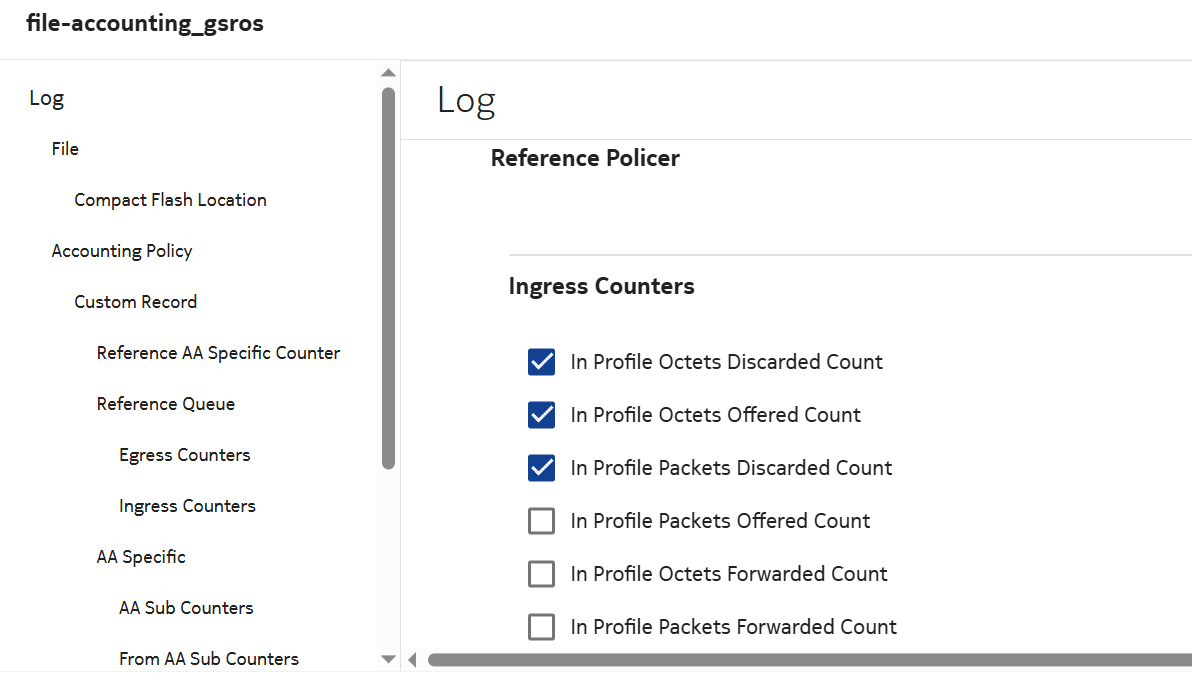
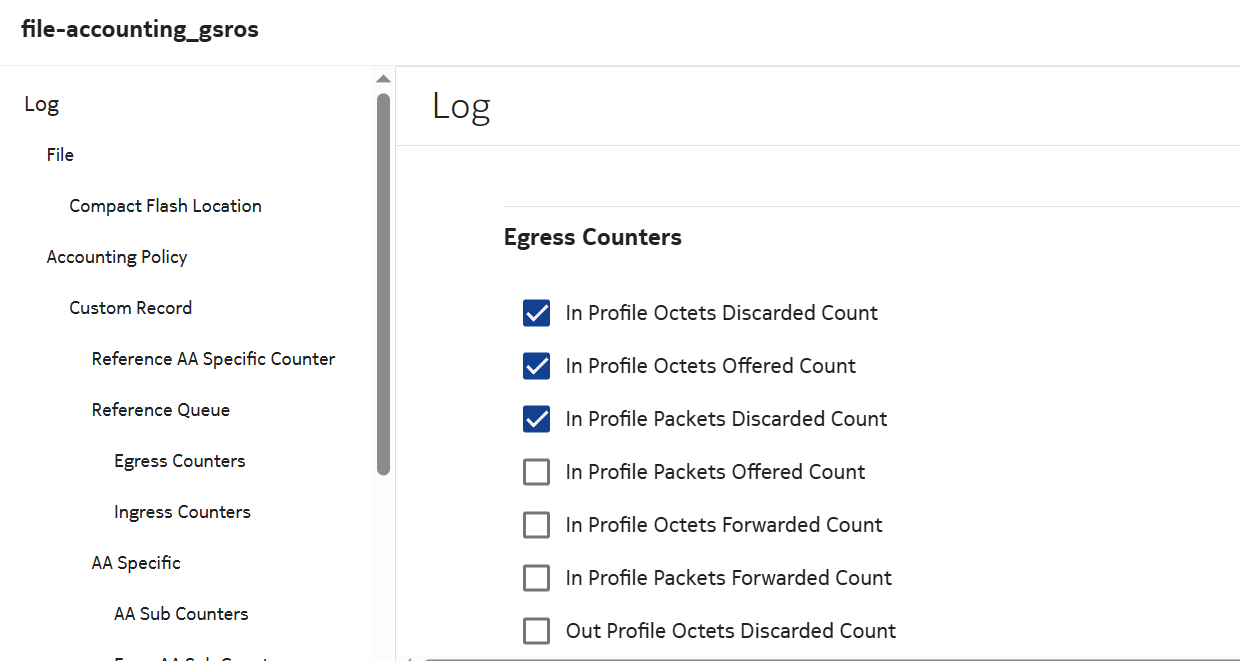
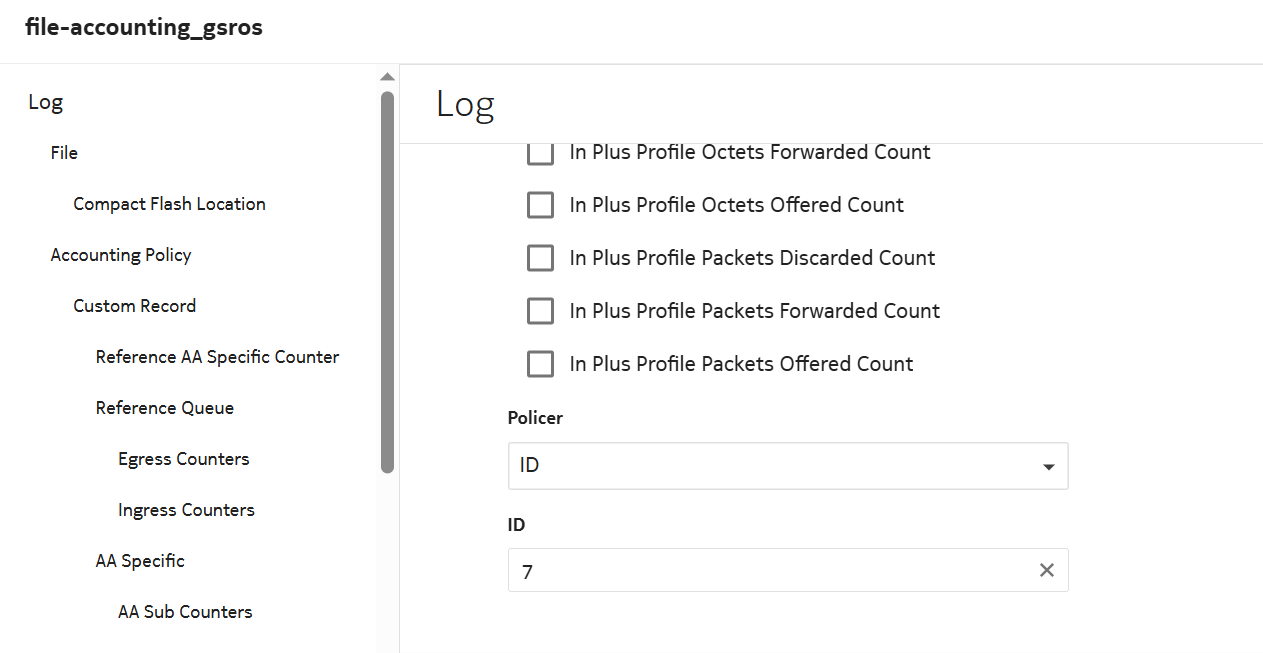
Configure the following attributes.

Log attributes:

Queue attributes:

Reference Queue attributes:

Policier attributes:

Additional Log attributes:


6 

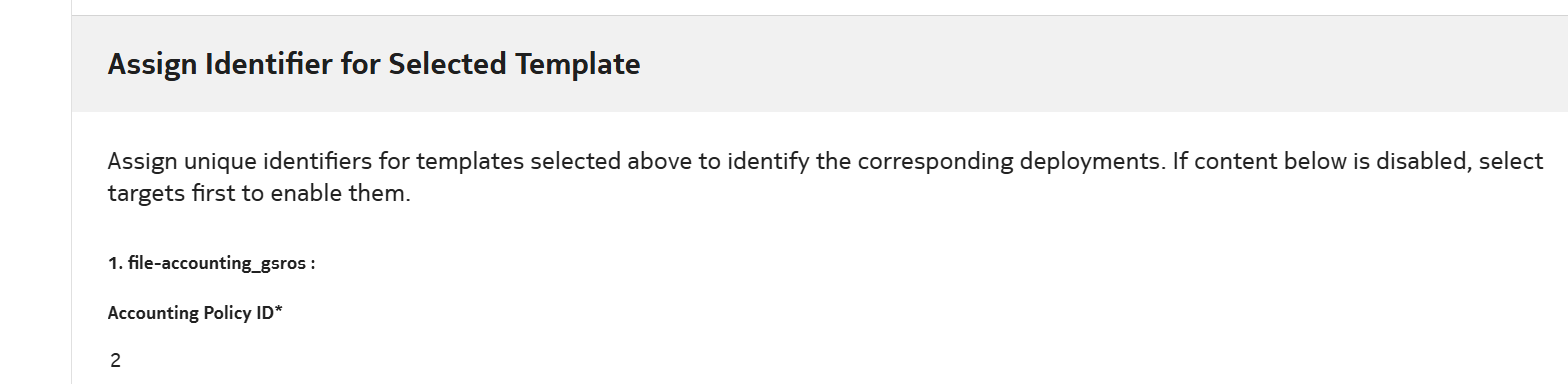
Enter the Accounting Policy ID and select DEPLOY.


7 

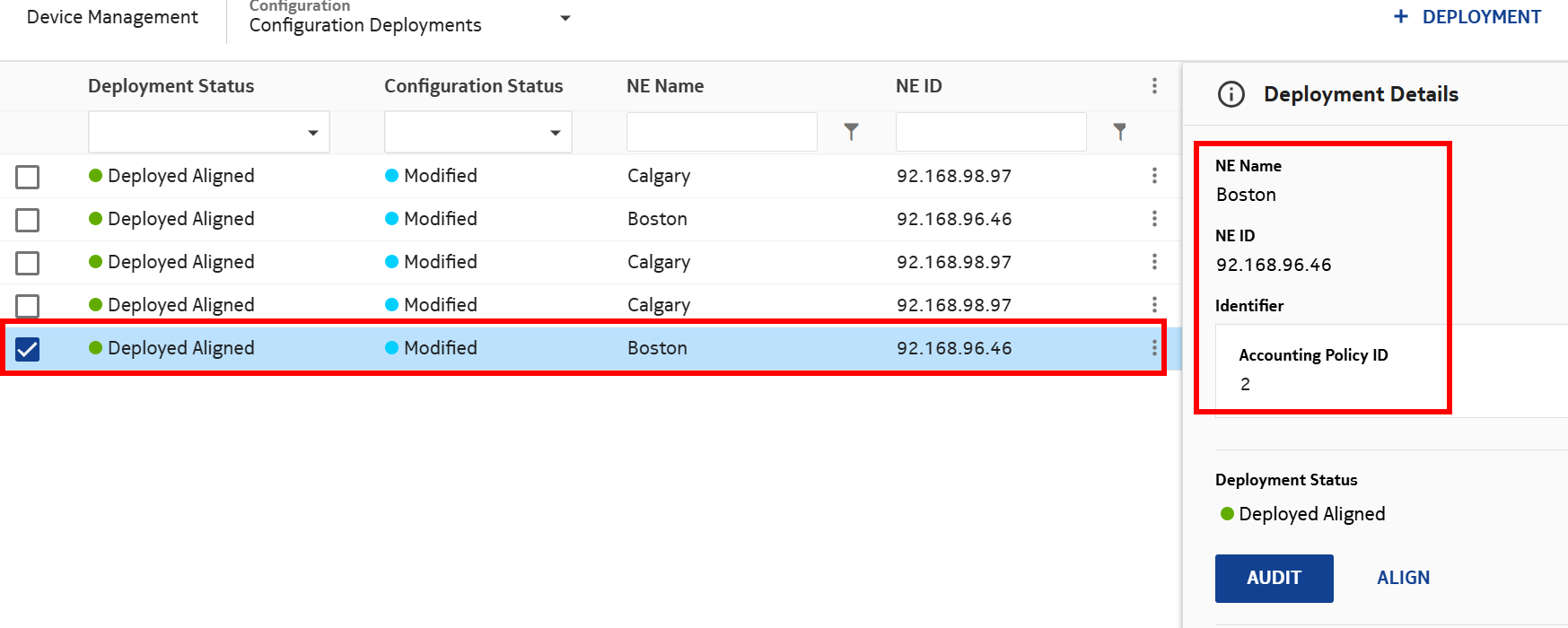
Verify the policy is Deployed and Aligned.


8 

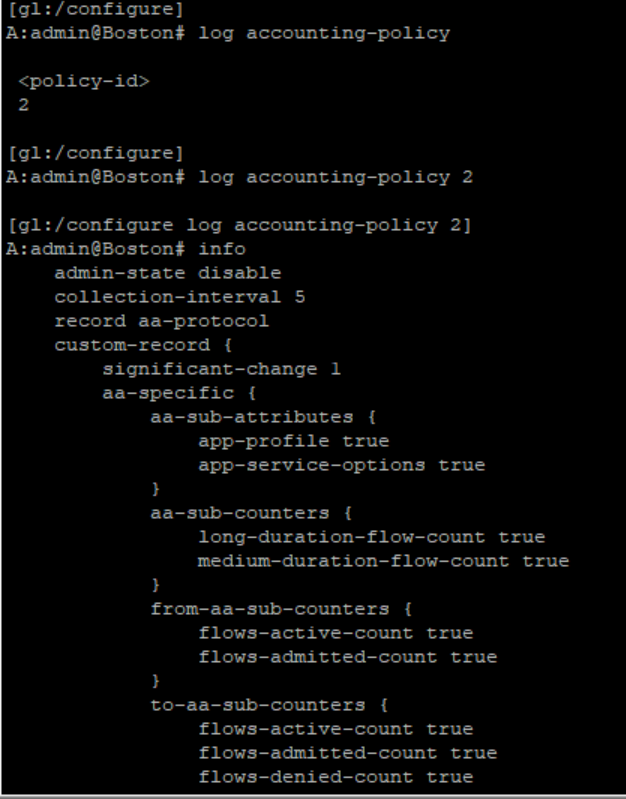
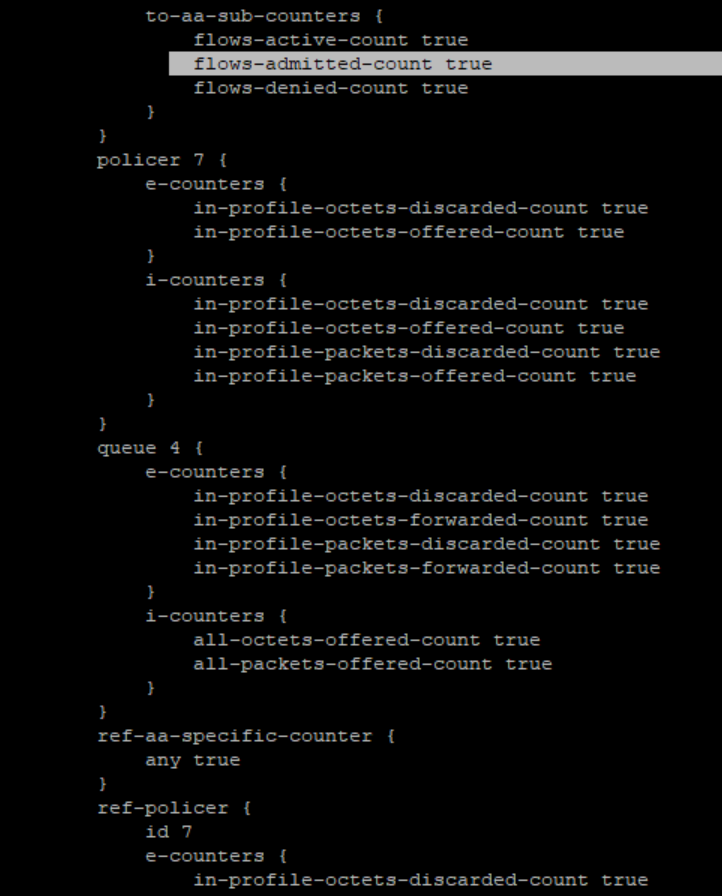
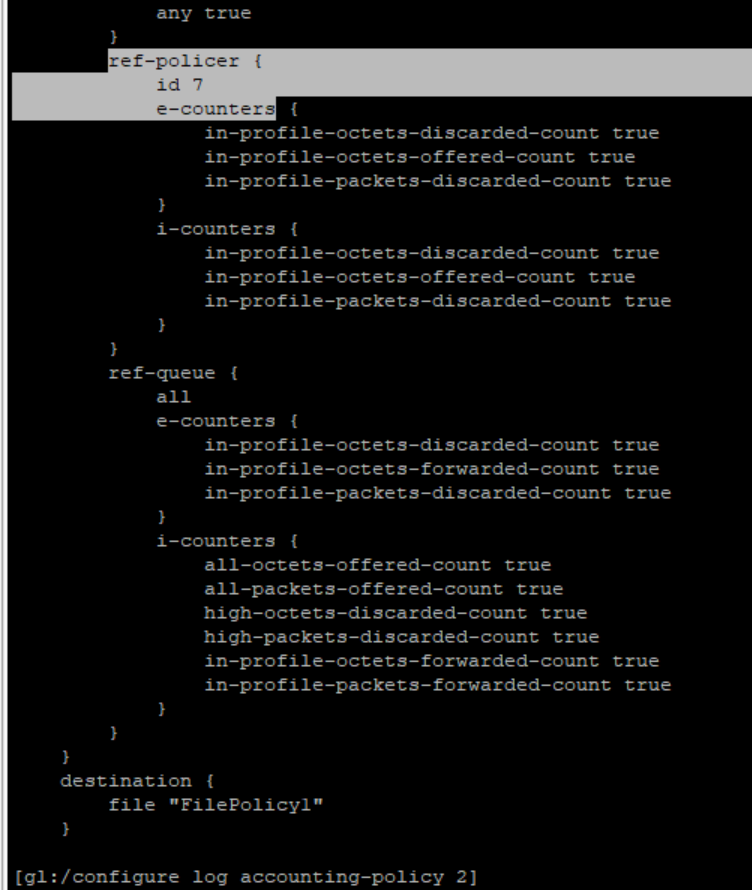
Log into NE and verify the configuration is deployed.

View the figure

End of steps