Discover the nodes
Steps
1 |
Log in to the NSP and click Device Discovery, as shown below: 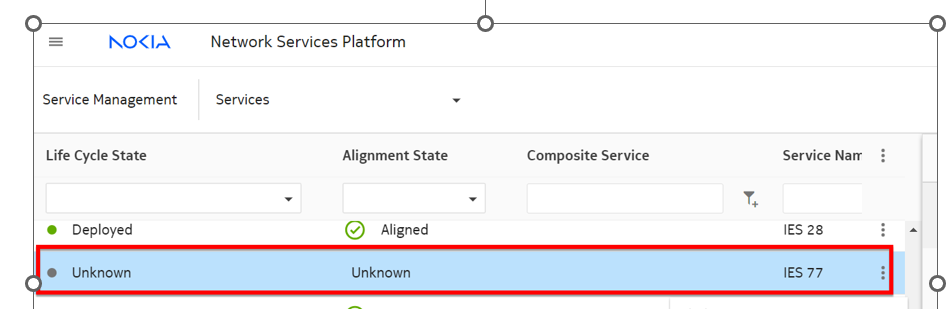
|
2 |
Select Reachability Policies from the drop-down list, as shown below: 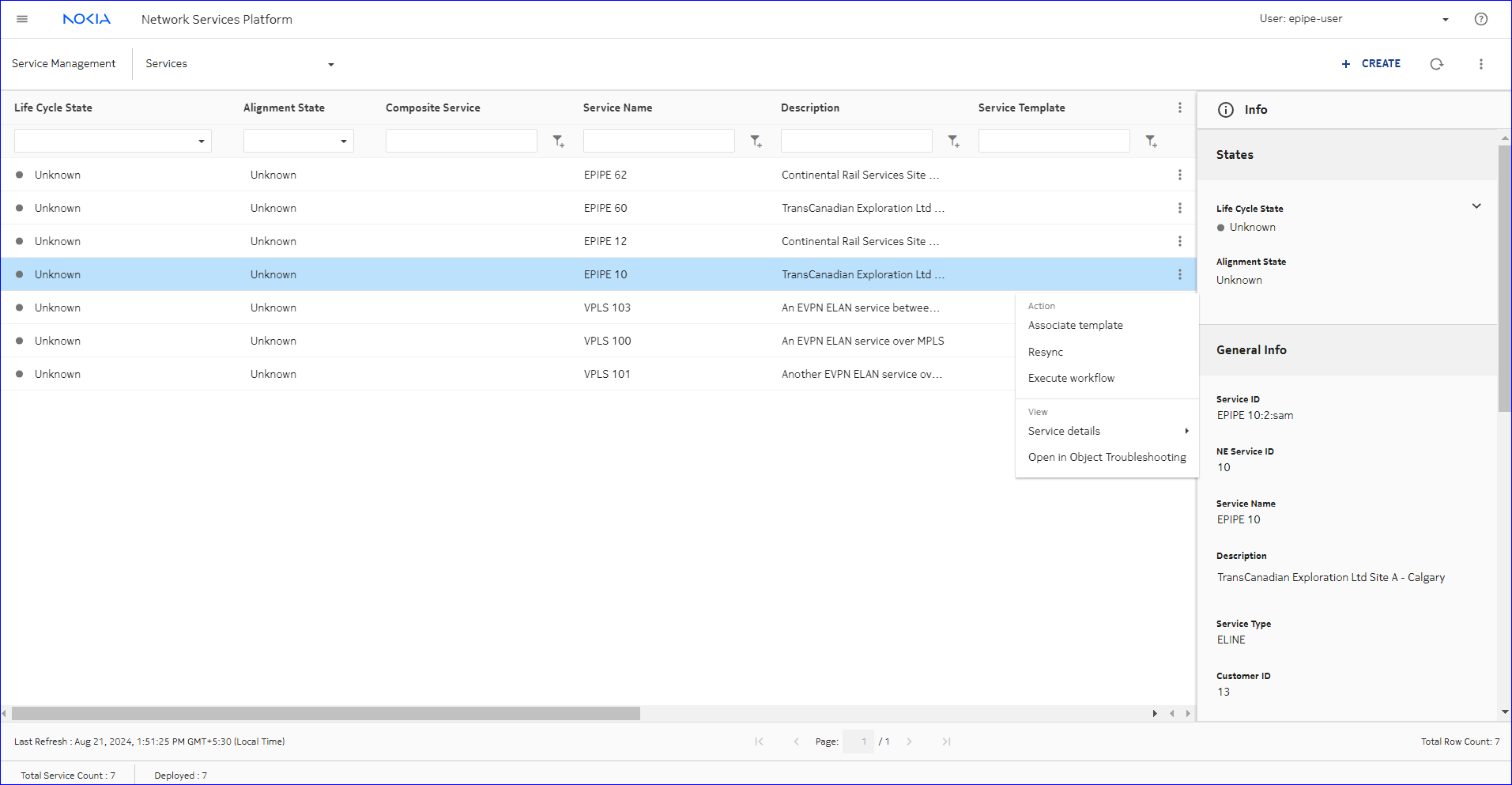
|
3 |
Click |
4 |
Configure the parameters as shown below: 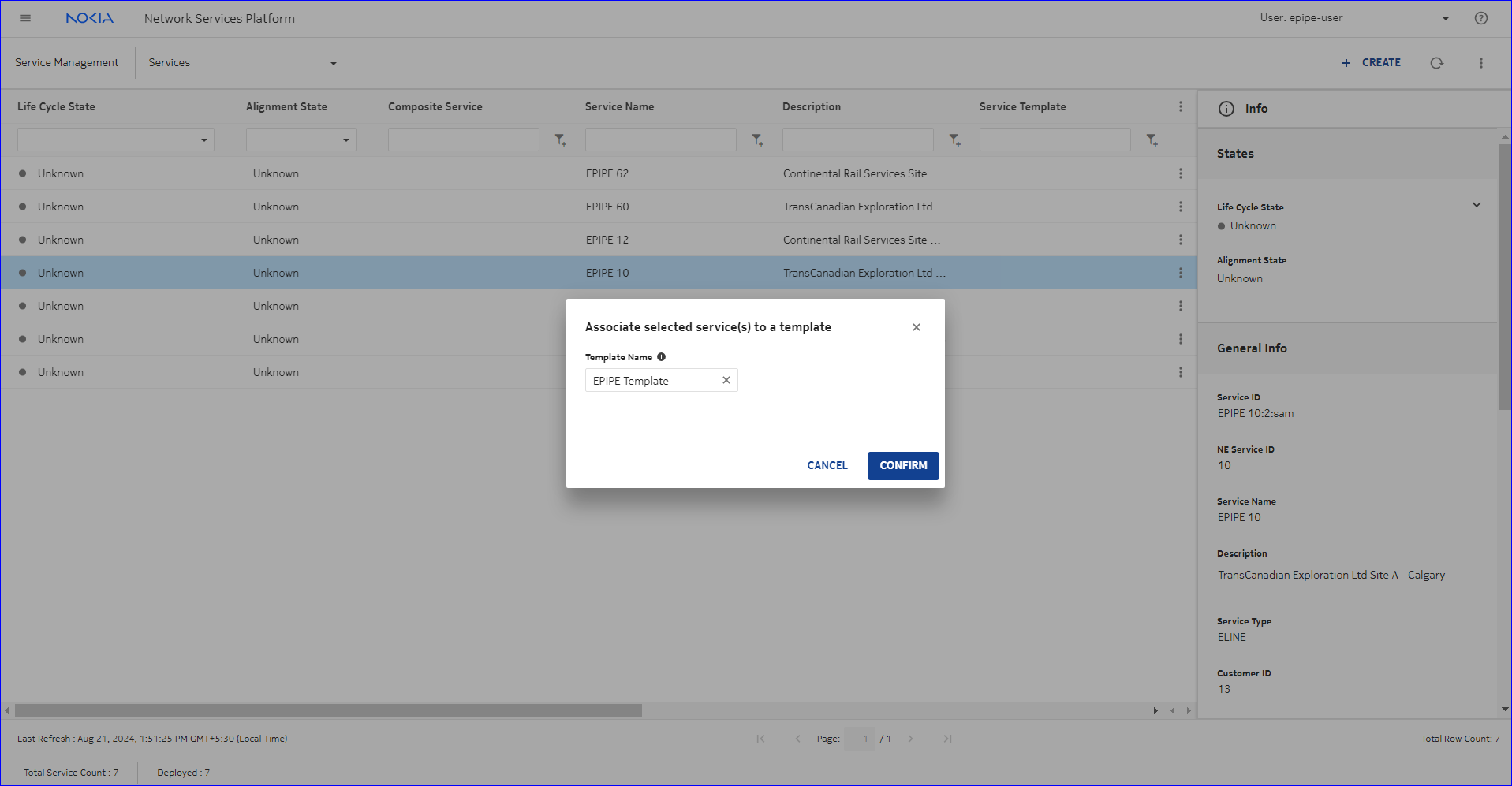
|
5 |
Click CREATE. The reachability policy is created. |
6 |
Select Mediation Policies from the drop-down list, as shown below: 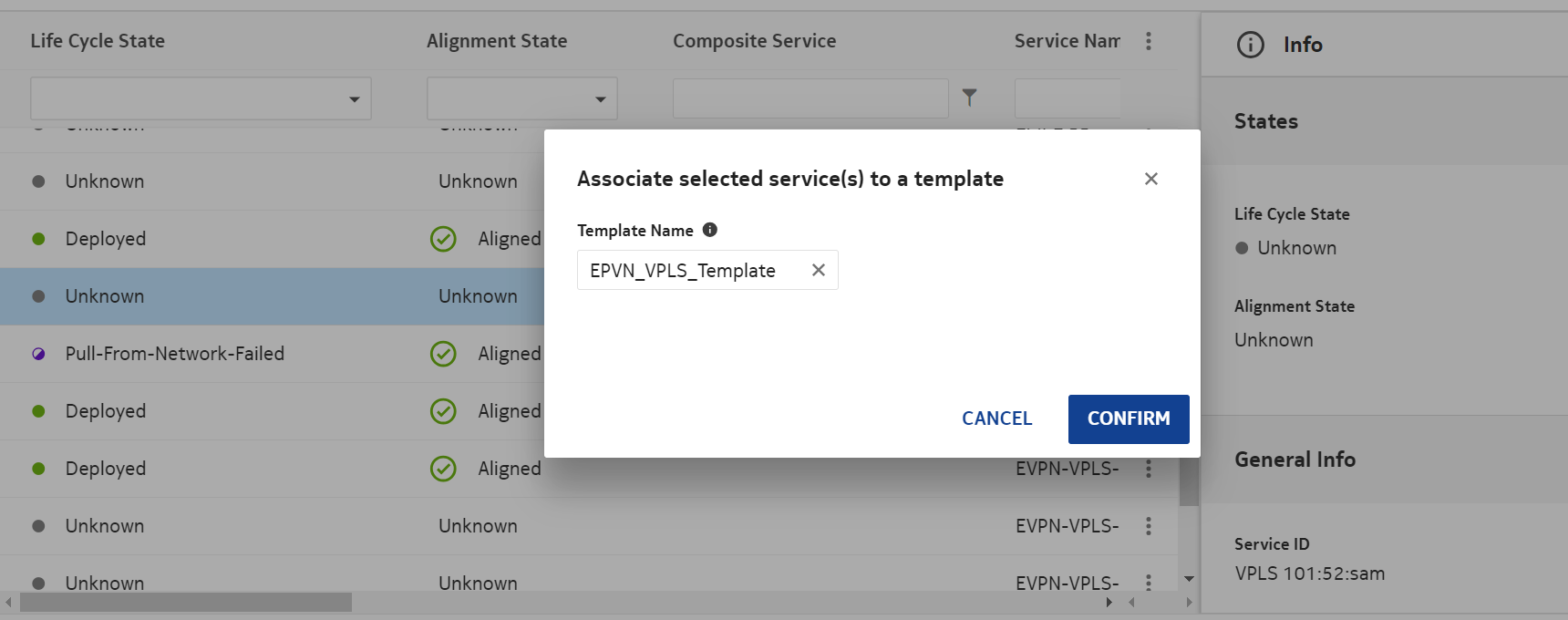
|
7 |
Click |
8 |
Configure the General parameters as shown below: 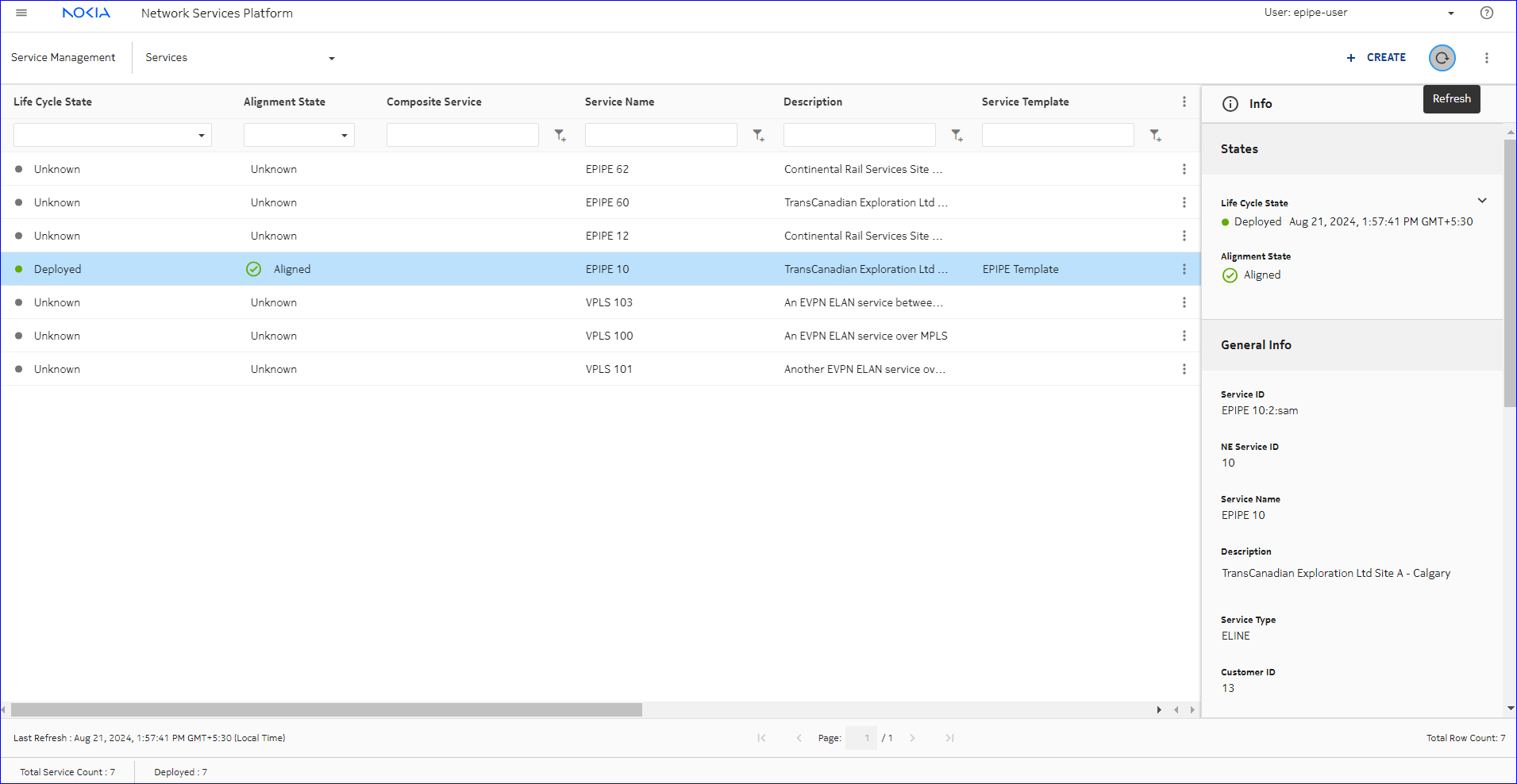
|
9 |
Configure the gRPC > Communication Protocol parameters as shown below: 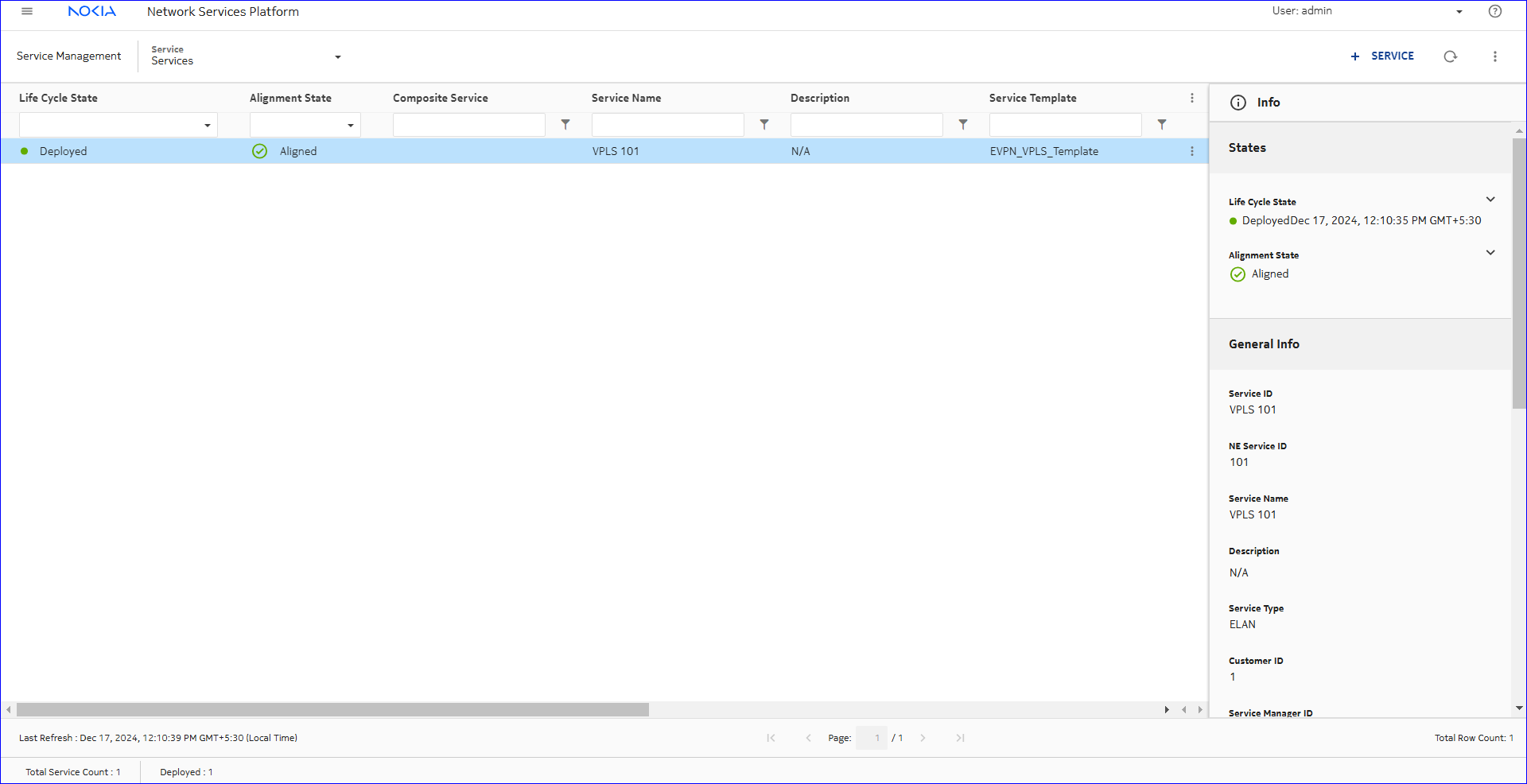
|
10 |
Configure the gRPC > User parameters as shown below: 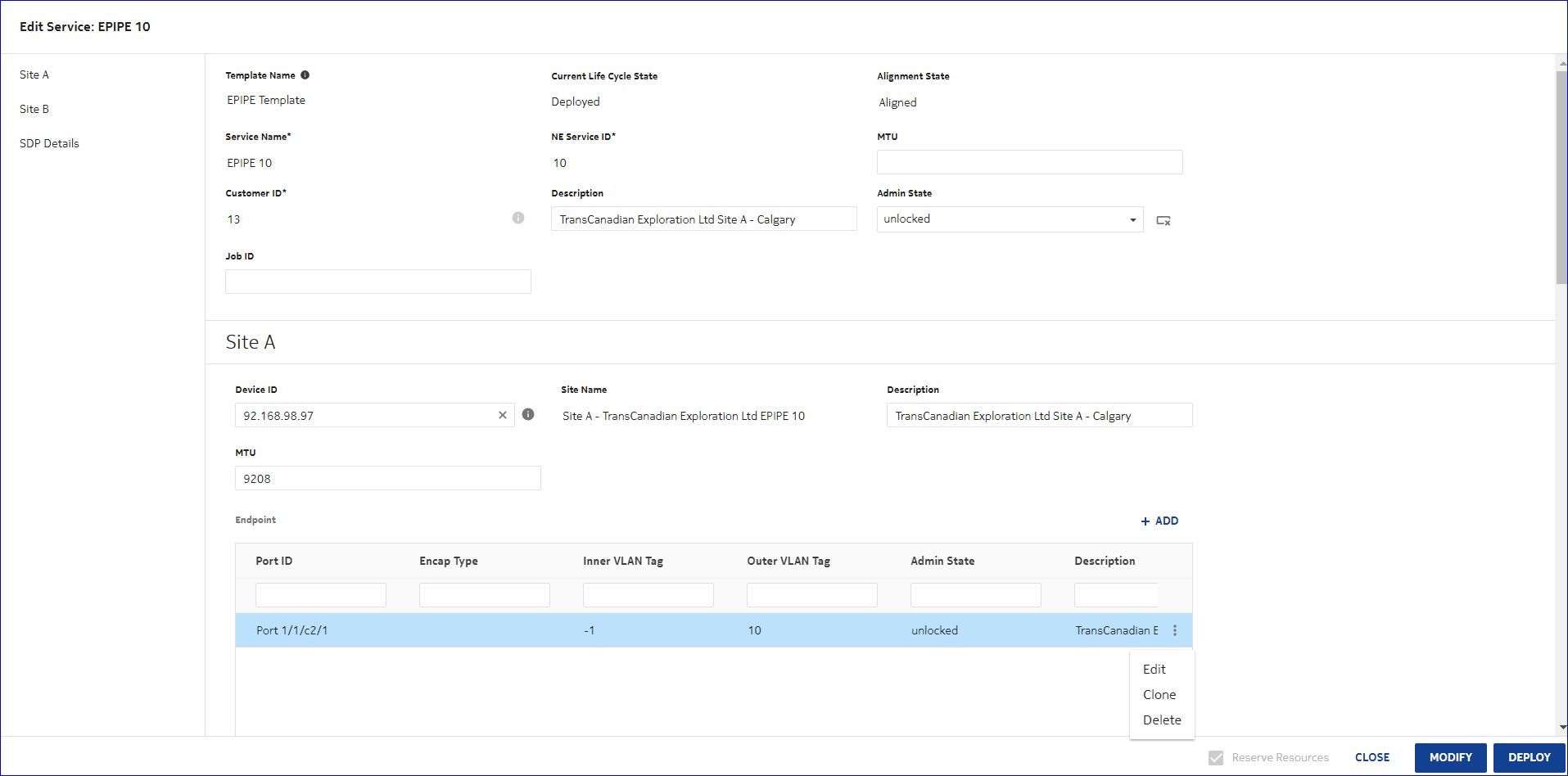
|
11 |
Click CREATE. The mediation policy is created. |
12 |
Select Unified Discovery Rules from the drop-down list, as shown below: 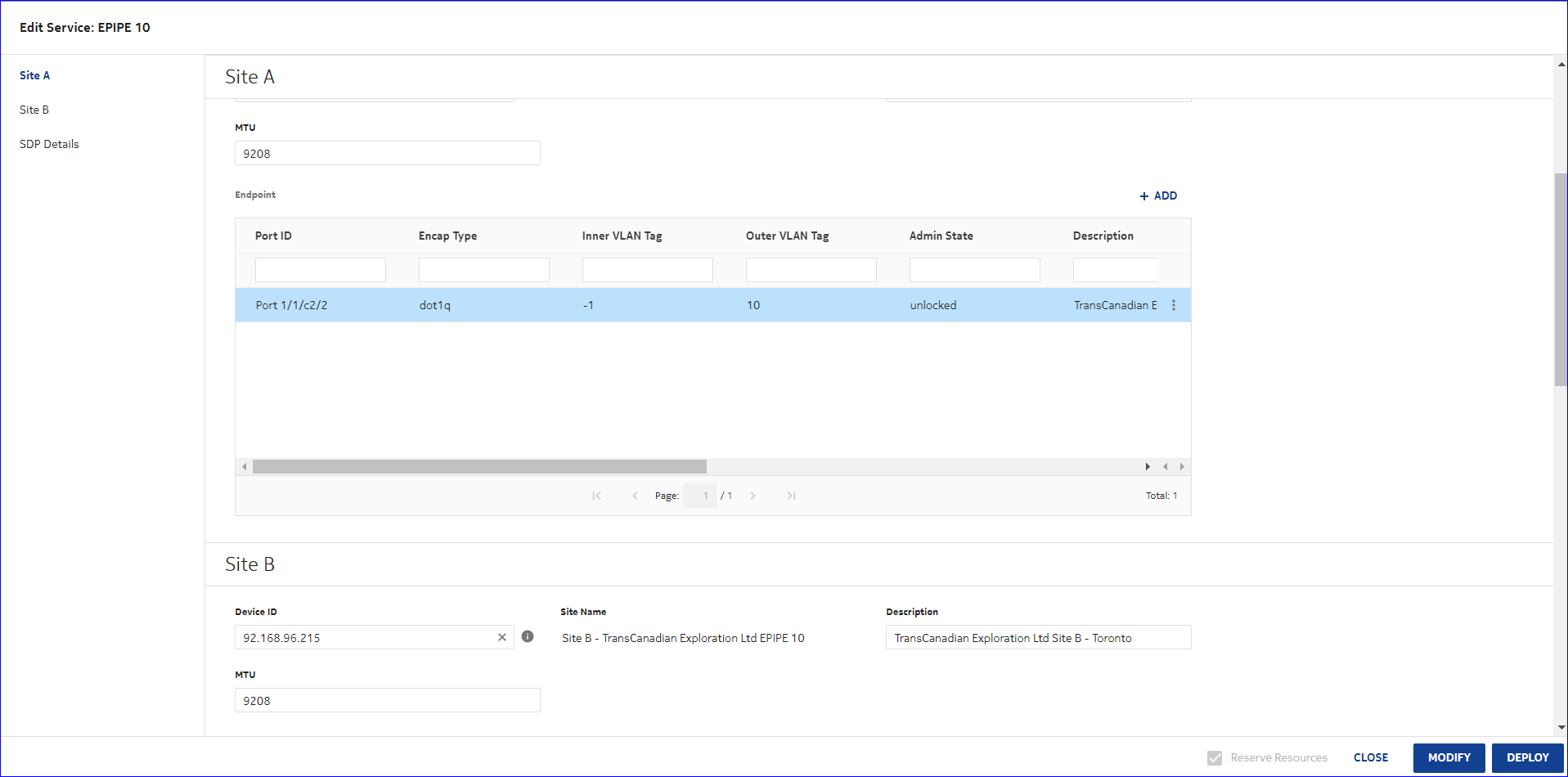
|
13 |
Click |
14 |
Configure the General parameters as shown below: 
|
15 |
Configure the Discovery Protocols and Policies parameters as shown below: 
|
16 |
Configure the Select Reachability Policies parameters as shown below: 
|
17 |
Configure the Discovery IP Ranges parameters as shown below: 
|
18 |
Click CREATE. The unified discovery rule is created. |
19 |
From the list of unified discovery rules, click The node is discovered. |
20 |
Repeat Step 6 through Step 19, changing the port number and IP address, to discover the remaining nodes. |
21 |
Navigate to the Device Management views, as shown below: 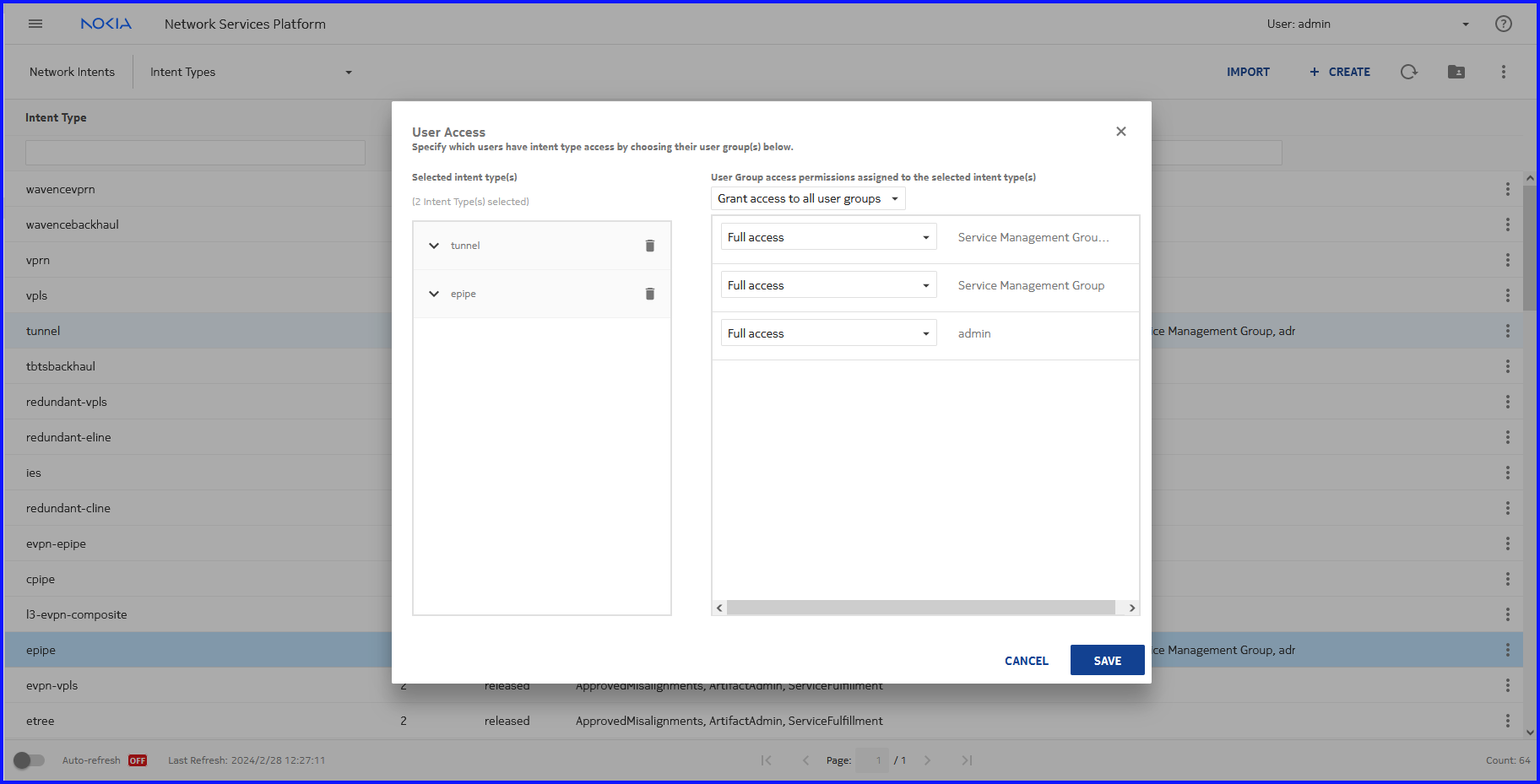
|
22 |
Verify that the newly-discovered nodes appear in the Managed Network Elements list, as shown below: 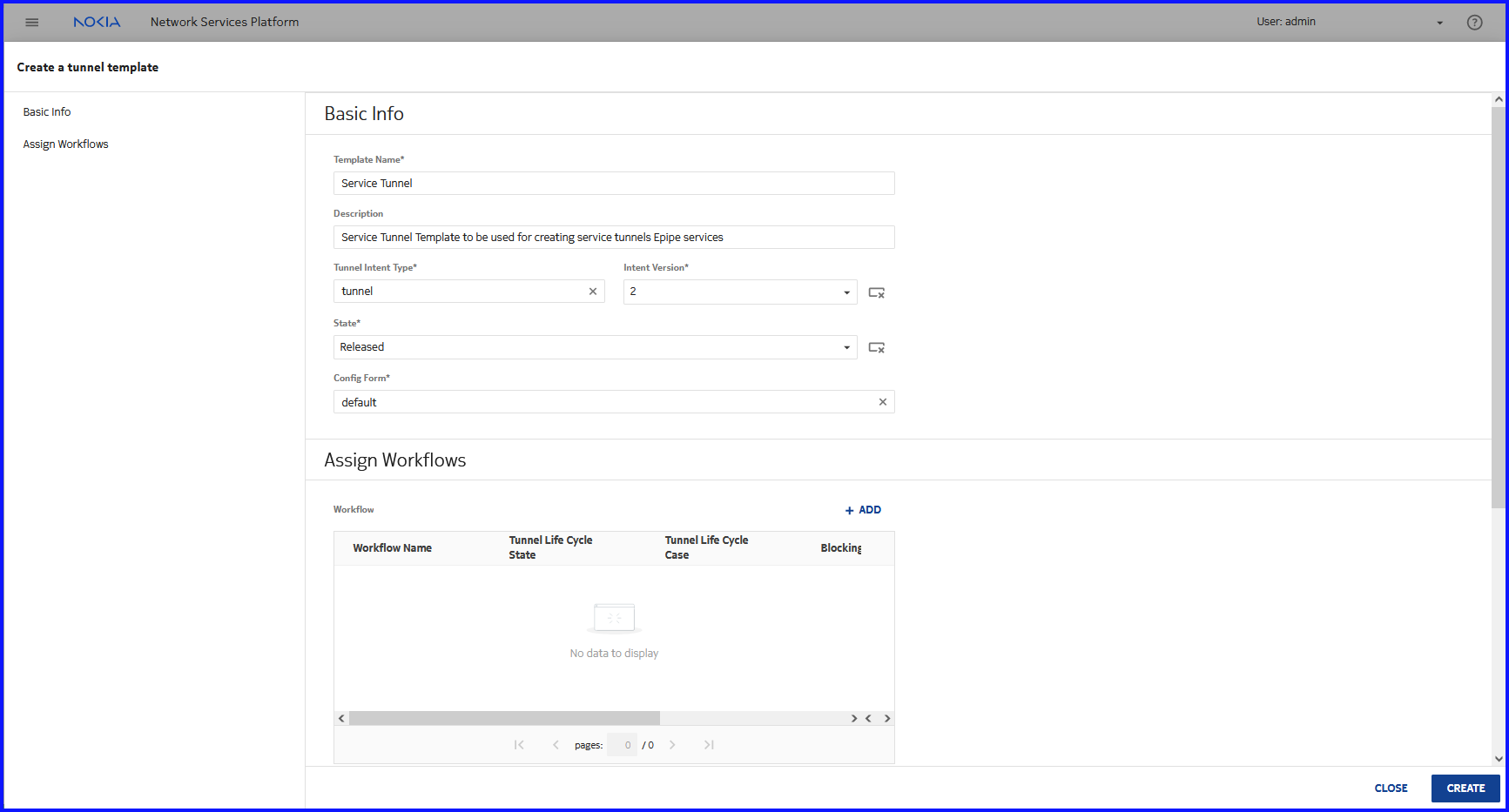
End of steps |
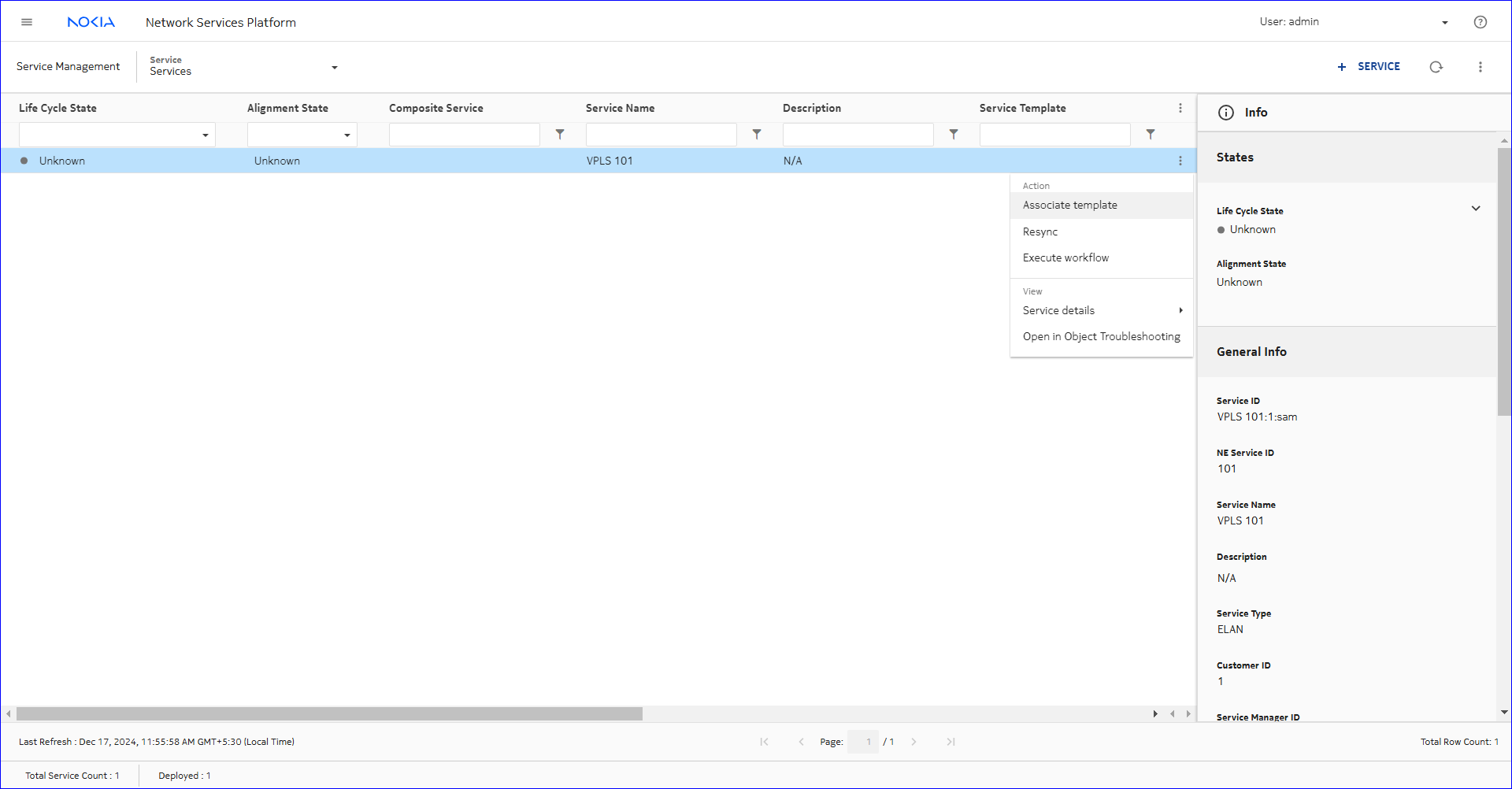 REACHABILITY POLICY. The Create Reachability Policy form opens.
 (Table row actions), Discover in-line with the newly-created unified discovery rule.