Is this content helpful?
If you would like to receive a response, please enter your email address.
Navigate to the Service Management views and select Service Templates from the drop-down list.
Click SERVICE TEMPLATE, as shown below.
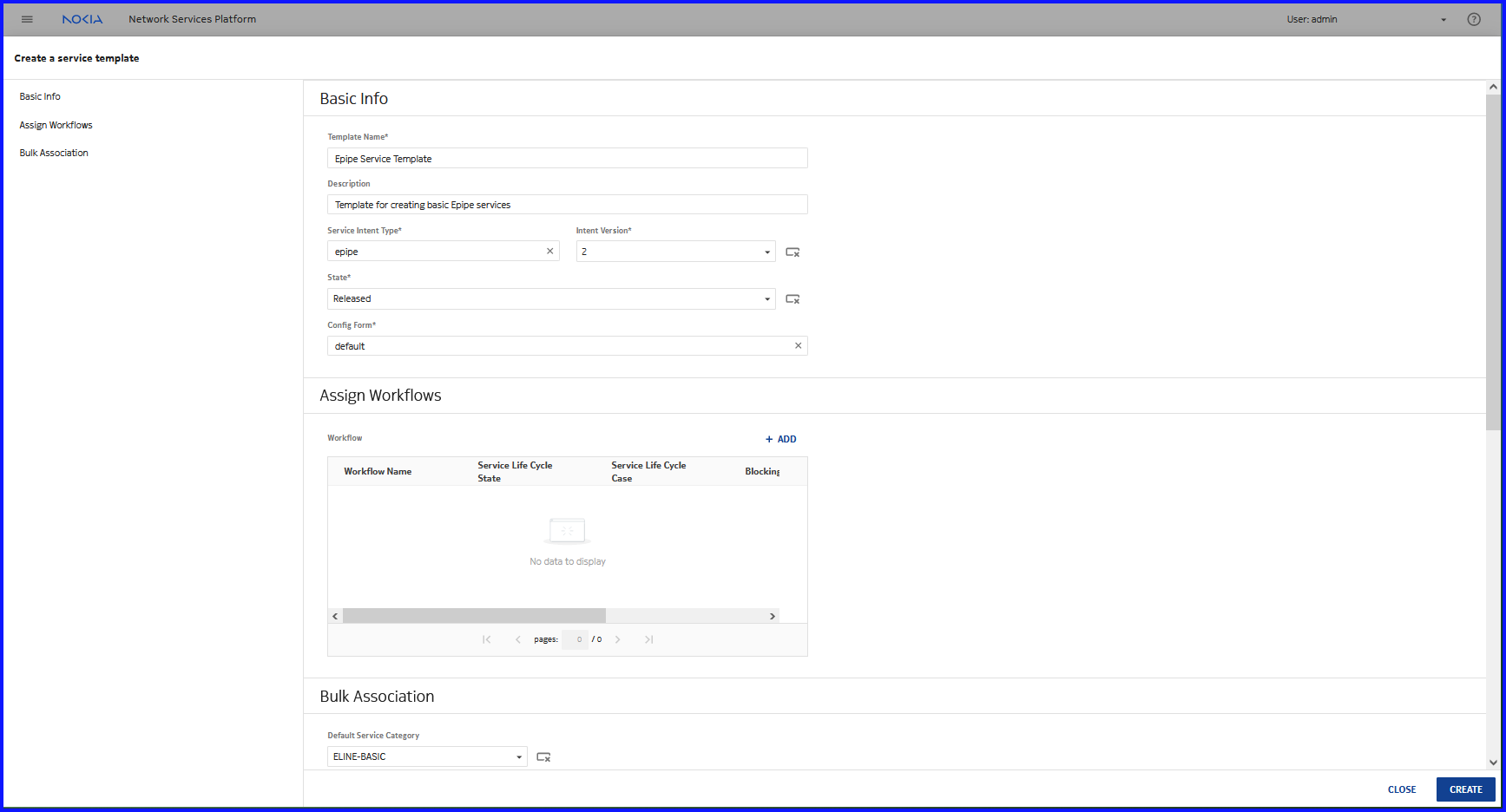
The Create Service Template form opens.
Configure the parameters as shown below:
Click CREATE. The service template is created.
Verify that the newly-created service template appears in the list of service templates, as shown below:
End of steps
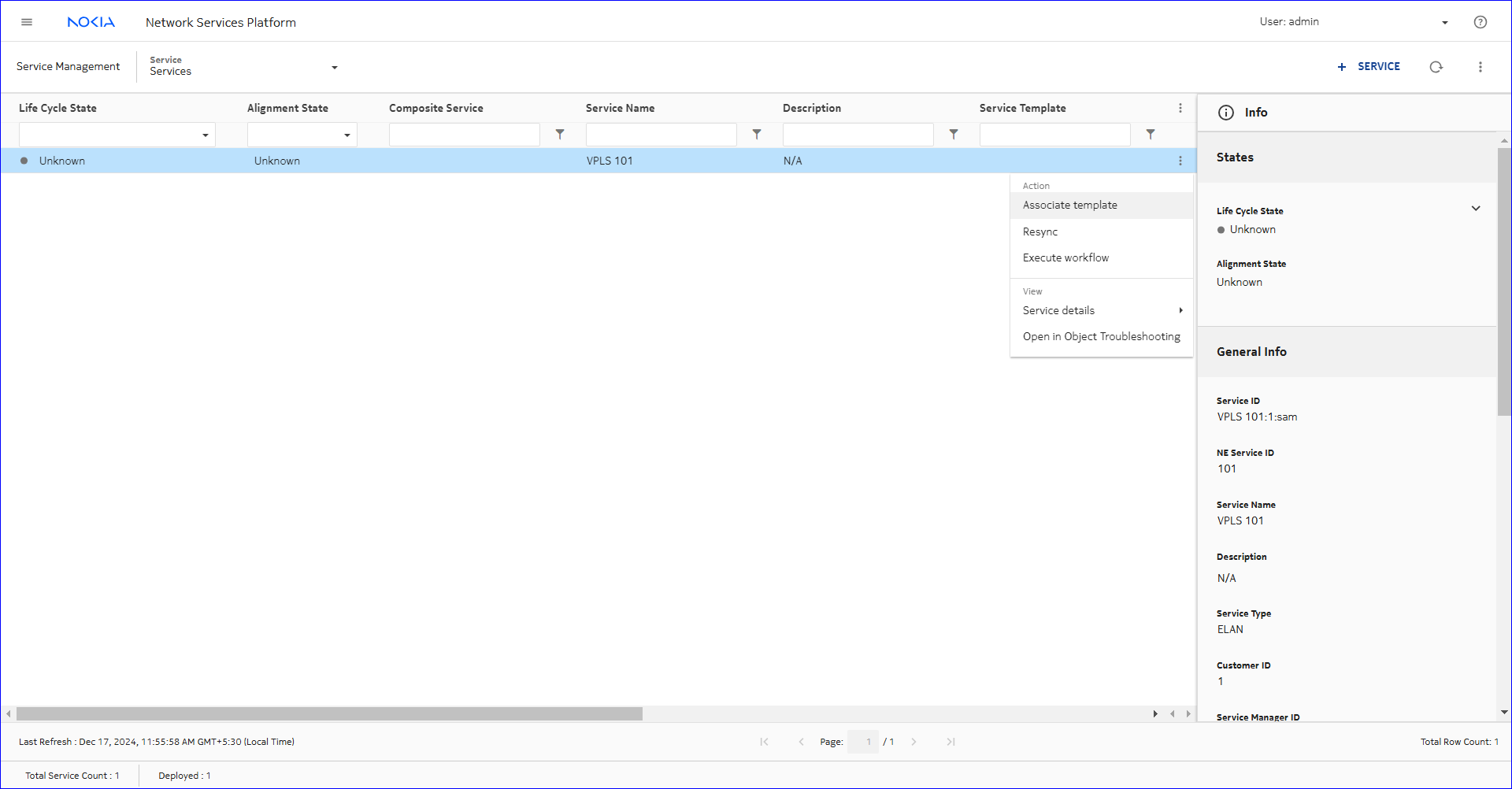 SERVICE TEMPLATE, as shown below.